Start with Your Problem
Use Start Here when the problem is still fuzzy and you need the first useful path.
Use this page when you want the artifact first: templates, direct PDF guides, field-note paths, and topic maps.
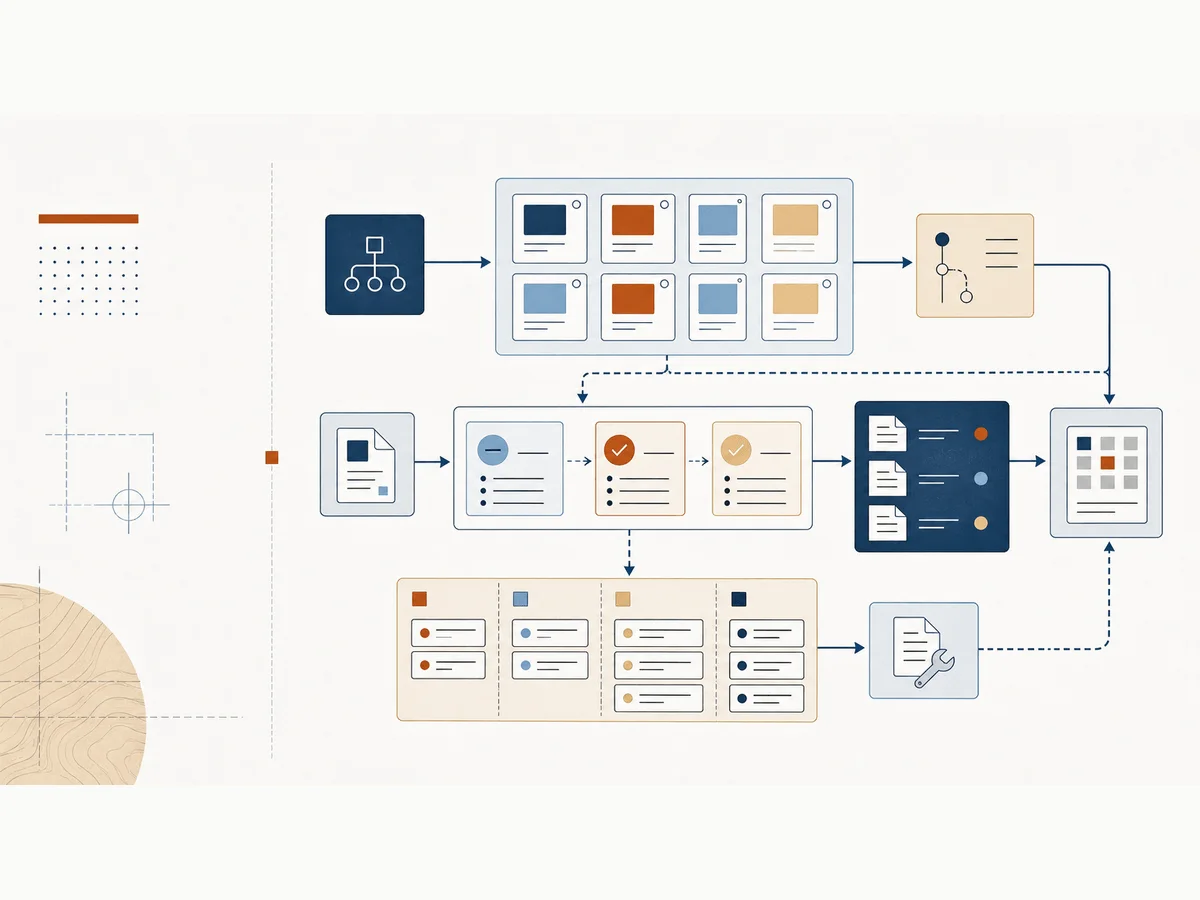
Choose the format that matches the job in front of you, then use the related topic or field note when you need more context.
Use Start Here when the problem is still fuzzy and you need the first useful path.
Use the Diagnostic when the team knows something is off but needs help naming the L&D system problem.
Use Paths when your role or pressure point is clearer than the topic you need.
Use Playbooks when one operating habit needs to become repeatable this week.
Use Field Tools when you need a small working aid during intake, SME review, measurement, or planning.
Use Setup Guides when a field tool needs to become a working Microsoft 365, Google Workspace, or manual system.
Use Search when you remember the problem, phrase, tool, or example but not where it lives.
Use the Prompt Vault when the workflow is clear and you need a version formatted for ChatGPT, Claude, Copilot, or Gemini.
Use Research Notes when a model or source can help the team make a better L&D decision.
Use Templates when you need a worksheet, checklist, or decision log next to the work.
Use Examples when you need a before-and-after pattern you can adapt to the work in front of you.
Use Guides when you want a direct PDF walkthrough for Claude, Copilot, Gemini, or visual production.
Use Field Notes when you want the argument, context, examples, and practical next move.
Use Topics when you want intake, AI workflows, content systems, LMS strategy, or measurement in one place.
Use the Glossary when a phrase is being used as shorthand and you need to turn it into a practical next move.
Filter by problem, format, role, time, and tool context. Nothing is saved. The filtered view can be shared with the URL.
Name the likely L&D system problem and get the best next resource.
Stabilize intake, priorities, ownership, and measurement before the team becomes a request desk.
Protect scope, separate SME feedback, and turn one-off production into reusable working patterns.
Make intake, queue health, governance, publishing, and reporting visible enough to manage.
Turn platform requests into governance decisions, reporting definitions, and clean admin routines.
Move from scattered AI experiments to one bounded workflow with source rules and review gates.
Move from completion reporting to evidence that supports decisions about readiness, behavior, and workflow impact.
Separate review comments into decision categories so review can close without burying the work.
Rebuild around tasks, ownership, review signals, and retirement rules instead of another content pile.
A five-day operating playbook for turning vague training requests into clearer decisions, better scope, and a repeatable intake rhythm.
A ten-business-day playbook for turning SME review from a vague approval gate into a visible decision system.
A five-day playbook for defining the decision, behavior, evidence, owner, and caveat before the team builds another L&D dashboard.
A ten-business-day playbook for cleaning one slice of a learning library by task, owner, source, use, duplicate risk, and retirement rule.
A ten-business-day playbook for turning repeated LMS requests into visible rules for reports, permissions, catalog structure, ownership, and review.
A one-page tool for sorting SME feedback into fact issues, workflow issues, preferences, approval calls, risk issues, and unclear comments before the team revises anything.
A one-page question set for slowing down vague training requests before the team accepts the requested format.
A one-page ladder for moving from completion data toward stronger evidence of readiness, behavior, adoption, manager observation, workflow impact, and business contribution.
A one-page scorecard for turning manager observation into credible behavior evidence without asking managers to complete another heavy form.
A one-page tool for moving stale, risky, duplicate, or unowned content into a visible quarantine state before the team deletes, rewrites, or leaves it live.
A one-page card for turning a vague LMS report request into a definition that names the decision, audience, metric, source field, cadence, and caveat.
Printable one-page PDF version of SME Review Comment Categories.
Printable one-page PDF version of Training Request Triage Questions.
Printable one-page PDF version of Measurement Evidence Ladder.
Printable one-page PDF version of Manager Observation Scorecard.
Printable one-page PDF version of Content Quarantine List.
Printable one-page PDF version of LMS Report Definition Card.
Set up a lightweight manager observation capture and scorecard so behavior evidence can be collected without turning managers into researchers.
Set up a quarantine list so stale, risky, duplicate, or unowned learning content has a visible status before the team deletes, rewrites, or leaves it live.
Set up a report definition library so LMS reports have visible decisions, metric definitions, source fields, cadence, owners, and caveats.
Set up Obsidian as persistent context and living documentation for Claude Code projects, with Mission Control, a MEMORY index, session handoffs, and reusable L&D project notes.
Printable setup guide for Build a Manager Observation Form and Scorecard.
Printable setup guide for Build a Content Quarantine List.
Printable setup guide for Build an LMS Report Definition Library.
Printable setup guide for Give Claude Code a Memory.
Explain the move from content factory to capability infrastructure without sounding like a vendor pitch.
Assess where an L&D function sits between content factory and capability infrastructure.
Build a complete activity inventory and classify work by replaceability and leverage.
Create a reusable brief for an AI-supported workflow step with source, constraints, and review gate.
Prepare a SME knowledge-extraction session so the conversation starts with examples, decisions, and gaps.
Create 30-second, 3-minute, and 10-minute support for a real work task.
Design a minimum viable schema, metadata, and acceptance criteria for a performance knowledge base.
Define a 90-day success statement and minimum measurement architecture before design starts.
Turn L&D data into a concise executive opening that names the business decision.
A model-aware catalog of 33 L&D prompts with free samples and model-specific versions.
Use this before accepting a course, workshop, job aid, or content request so the team can name the task, audience, workflow, and evidence standard.
Separate fact issues, workflow issues, approval calls, risk concerns, and preferences before SME review becomes one overloaded step.
Define the decision your evidence needs to support before the team defaults to completions, satisfaction, or dashboard noise.
Record repeated LMS decisions about ownership, permissions, reporting, catalog structure, migrations, testing, and admin standards.
Make content ownership, review dates, audience, source material, and retirement triggers visible before the library quietly decays.
Define one AI-supported L&D workflow, including source material, allowed tasks, review gates, risk checks, and the human decision owner.
Printable PDF version of Training Intake Worksheet.
Printable PDF version of SME Review Checklist.
Printable PDF version of Measurement Planning Worksheet.
Printable PDF version of LMS Governance Decision Log.
Printable PDF version of Content Maintenance Tracker.
Printable PDF version of AI Workflow Brief.
Turn a broad training ask into a clearer request with audience, behavior, workflow, evidence, and constraints.
Separate fact issues, workflow issues, priority calls, compliance concerns, and preference edits before review gets noisy.
Turn a large course outline into smaller task-based resources that match real work.
Move beyond completions by naming readiness, behavior, adoption, workflow impact, and manager observation signals.
Translate a vague LMS report ask into the decision, audience, data source, cadence, and ownership needed to make it useful.
Give an AI tool the role, source material, task, constraints, review standard, and output format it needs to help safely.
Turn a messy content list into an inventory that shows owner, status, audience, lifecycle, and next maintenance action.
Turn loose manager feedback into a behavior evidence scorecard with observable criteria, confidence, support needs, and evidence limits.
Turn an old content list into a quarantine decision table that shows risk, owner, decision needed, review date, and final status.
Turn a vague monthly completion request into a report definition that names the decision, audience, metric, source field, cadence, owner, and caveat.
Printable worked example for Manager Observation Notes to Behavior Evidence Scorecard.
Printable worked example for Old Content List to Content Quarantine Decision.
Printable worked example for Vague LMS Report Request to Decision-Ready Report Definition.
A practical source note for L&D teams that need better evidence than completions, attendance, or satisfaction alone.
Use Claude and Cowork for planning, drafting, review preparation, reusable project context, and daily L&D production workflows.
Use Copilot across Word, Excel, PowerPoint, Teams, SharePoint, Power Automate, Forms, Power BI, Viva, and Copilot Studio.
Use Gemini, NotebookLM, Canvas, Deep Research, Gems, and Workspace workflows for practical learning team work.
Use Obsidian as persistent context and living documentation for Claude Code projects.
Use the carousel as a quick reference for better AI-assisted visual production briefs and iteration habits.
Systems thinking, not tool access alone, changed development cycle time. AI worked when it improved planning, review, handoffs, and production habits.
The bottleneck is often the process built around the SME: unclear decision rights, vague review standards, and late-stage approval pressure.
The shift was from full workflow courses to customer-training microlearning tied to role-based tasks and the work people needed to perform.
Completion data is easy to collect and weak as proof. Better measurement starts with readiness, behavior, adoption, and workflow impact.
A better intake conversation separates training problems from workflow, tool, manager, documentation, and performance support problems.
A playbook makes ownership, review, naming, publishing, QA, and maintenance visible enough for the team to improve the system.
Scaling L&D requires more than instructional design skill. It needs people who can own systems, data, projects, platforms, and messy handoffs.
A platform decision only works when ownership, reporting, migration risk, content structure, and admin burden are part of the design.
L&D teams research constantly but retain too little between projects. A personal knowledge system turns scattered notes into reusable context.
A practical setup guide for giving Claude Code persistent project context, session handoffs, and reusable L&D working memory.
A research knowledge base can help L&D teams maintain reusable context for tools, frameworks, examples, and implementation decisions.
Operating models, intake, ownership, governance, prioritization, and the routines that make L&D work repeatable.
Practical ways to use AI in planning, drafting, review, QA, knowledge management, and production without turning the work into a tool demo.
Intake, SME review, task-based learning, QA, publishing, deprecation, and maintenance for learning content that stays usable.
Governance, migration, reporting, integrations, testing, and platform fit for teams that need an LMS to operate cleanly.
Evidence that connects learning work to readiness, behavior, adoption, workflow impact, manager feedback, and operational outcomes.
Plain-language definitions with what to inspect and first moves to try.
Reset the filters, run the diagnostic, or use Start Here to choose a practical path.
Start with the diagnostic when the problem is fuzzy, paths when the role is clear, and playbooks when a habit needs to become repeatable.
Name the likely system problem and get a manual move, workspace move, AI-assisted move, and the best next resource.
Choose a practical starting path for your role, pressure point, or team situation.
Follow short operating playbooks for turning repeated L&D friction into a visible working system.
Use small working aids when the meeting needs a structure before the team opens a larger template or playbook.
Turn field tools into lightweight Microsoft 365, Google Workspace, or manual systems the team can maintain.
Find a field tool, worked example, playbook, glossary term, or topic when you remember the phrase but not the page.
Choose a prompt by L&D workflow, then copy the version formatted for ChatGPT, Claude, Microsoft 365 Copilot, or Gemini.
Use these during intake, SME review, and measurement conversations when the team needs to sort the problem before adding more work.
A one-page tool for sorting SME feedback into fact issues, workflow issues, preferences, approval calls, risk issues, and unclear comments before the team revises anything.
A one-page question set for slowing down vague training requests before the team accepts the requested format.
A one-page ladder for moving from completion data toward stronger evidence of readiness, behavior, adoption, manager observation, workflow impact, and business contribution.
A one-page scorecard for turning manager observation into credible behavior evidence without asking managers to complete another heavy form.
A one-page tool for moving stale, risky, duplicate, or unowned content into a visible quarantine state before the team deletes, rewrites, or leaves it live.
A one-page card for turning a vague LMS report request into a definition that names the decision, audience, metric, source field, cadence, and caveat.
Use these when the team needs a simple List, Sheet, form, table, or shared working artifact instead of another one-off conversation.
Set up a lightweight manager observation capture and scorecard so behavior evidence can be collected without turning managers into researchers.
Set up a quarantine list so stale, risky, duplicate, or unowned learning content has a visible status before the team deletes, rewrites, or leaves it live.
Set up a report definition library so LMS reports have visible decisions, metric definitions, source fields, cadence, owners, and caveats.
Set up Obsidian as persistent context and living documentation for Claude Code projects, with Mission Control, a MEMORY index, session handoffs, and reusable L&D project notes.
Each template includes a blank structure, a filled example, and one practical move you can try today.
Use this before accepting a course, workshop, job aid, or content request so the team can name the task, audience, workflow, and evidence standard.
Separate fact issues, workflow issues, approval calls, risk concerns, and preferences before SME review becomes one overloaded step.
Define the decision your evidence needs to support before the team defaults to completions, satisfaction, or dashboard noise.
Record repeated LMS decisions about ownership, permissions, reporting, catalog structure, migrations, testing, and admin standards.
Make content ownership, review dates, audience, source material, and retirement triggers visible before the library quietly decays.
Define one AI-supported L&D workflow, including source material, allowed tasks, review gates, risk checks, and the human decision owner.
Examples show the before-and-after move: vague to scoped, noisy to categorized, completion-only to evidence-backed.
Turn a broad training ask into a clearer request with audience, behavior, workflow, evidence, and constraints.
Separate fact issues, workflow issues, priority calls, compliance concerns, and preference edits before review gets noisy.
Turn a large course outline into smaller task-based resources that match real work.
Move beyond completions by naming readiness, behavior, adoption, workflow impact, and manager observation signals.
Translate a vague LMS report ask into the decision, audience, data source, cadence, and ownership needed to make it useful.
Give an AI tool the role, source material, task, constraints, review standard, and output format it needs to help safely.
Turn a messy content list into an inventory that shows owner, status, audience, lifecycle, and next maintenance action.
Turn loose manager feedback into a behavior evidence scorecard with observable criteria, confidence, support needs, and evidence limits.
Turn an old content list into a quarantine decision table that shows risk, owner, decision needed, review date, and final status.
Turn a vague monthly completion request into a report definition that names the decision, audience, metric, source field, cadence, owner, and caveat.
Every guide here is directly downloadable from the site.
Use Claude and Cowork for planning, drafting, review preparation, reusable project context, and daily L&D production workflows.
Use Copilot across Word, Excel, PowerPoint, Teams, SharePoint, Power Automate, Forms, Power BI, Viva, and Copilot Studio.
Use Gemini, NotebookLM, Canvas, Deep Research, Gems, and Workspace workflows for practical learning team work.
Use Obsidian as persistent context and living documentation for Claude Code projects.
Use the carousel as a quick reference for better AI-assisted visual production briefs and iteration habits.
Direct downloads for the practical guide library.
Owned articles and case-study notes organized around the systems behind L&D work.
Working templates for intake, review, LMS governance, measurement, content maintenance, and AI workflow design.
Source-backed practical notes that help teams use research and evaluation models during real L&D decisions.
One-page aids for the meeting, review cycle, or dashboard conversation where the work needs to move.