Use this note to structure research so people and AI tools can tell what is known, what is trusted, and what is still uncertain.
* Updated as of May 2026. AI tool connection paths change, so verify the current tool behavior before making this a team standard.
Give Claude Code a Memory
Set up Obsidian as persistent context and living documentation for Claude Code projects, with Mission Control, a MEMORY index, session handoffs, and reusable L&D project notes.
This feels like having a pile of useful links that still cannot answer a question. A big source list still needs a clear summary of what we believe, what we doubt, and where the evidence points.
Research often becomes a pile of links. That makes it hard for a person or an AI assistant to understand what is known, what is trusted, and what is still uncertain.
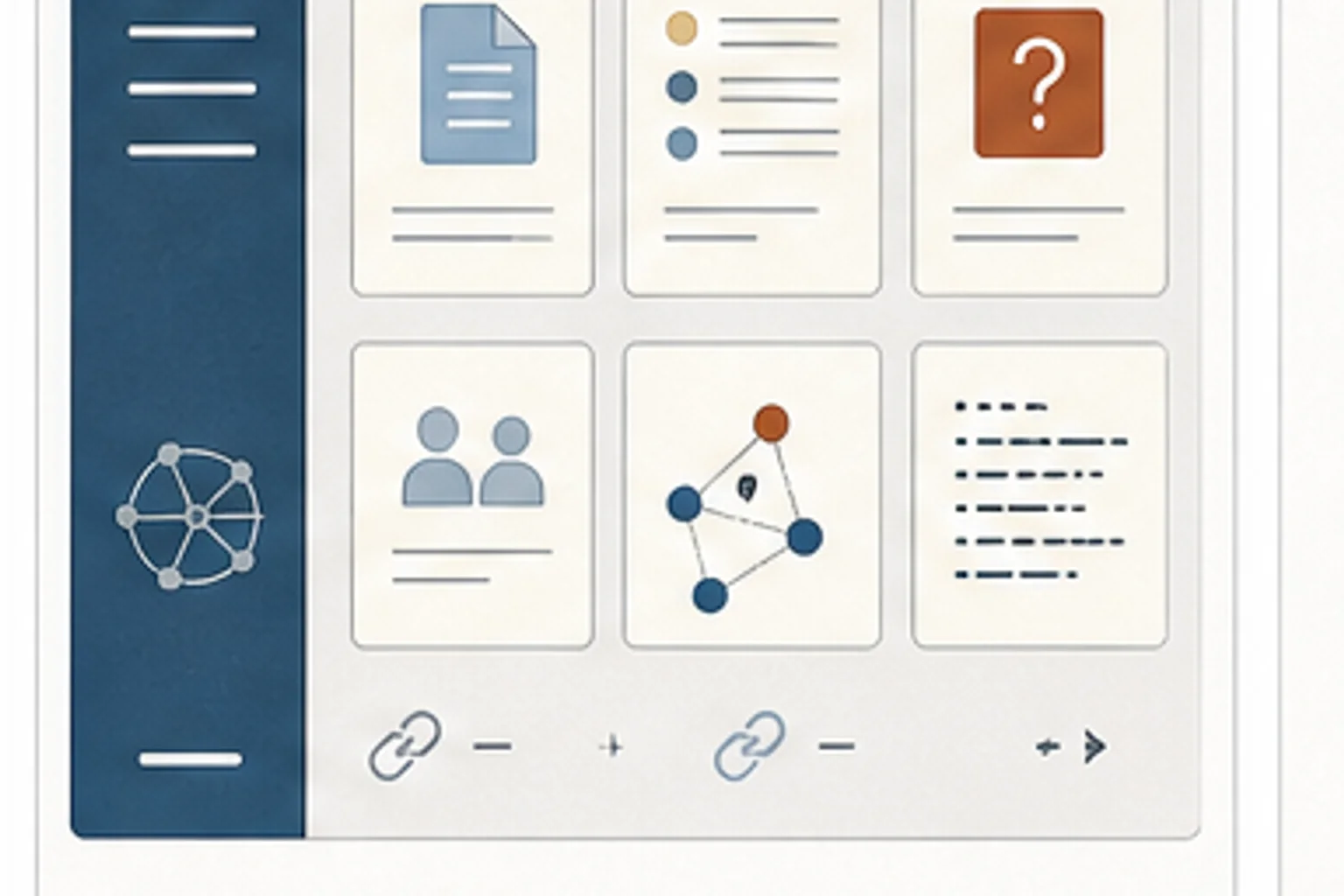
Treat important research like a small wiki: one topic per page, source notes attached, summaries up front, and links between related concepts. Local agents can work from the vault when configured. Workspace tools usually need selected exports, copied excerpts, or curated source sets.
Look for source collections with no summary, no owner, no date, and no explanation of why the source matters.
- Research is stored as links without interpretation
- The team needs reusable context for tools, vendors, standards, or implementation decisions
- AI retrieval is weak because source material lacks summaries and relationships
- Which sources are trusted, and why?
- What open questions remain after the research?
- How does this topic connect to real L&D decisions?
- Source lists with no summary, owner, or update date
- Research notes that do not say what decision they support
- AI answers that cite the right source but miss why the source matters
- Prompt-first adoption The team collects prompts, but we still have not defined source standards, review gates, or accountable owners.
- Private productivity gains One person moves faster, but the shared workflow, QA process, and review standard stay the same.
- AI output without evidence Drafts look polished, but reviewers cannot tell which sources were used or what still needs human judgment.
- Create one page per research topic
- Separate trusted sources, open questions, useful examples, and implementation notes
- Add update dates so stale research is easier to spot
- Create a short export path for each research topic: local vault for Codex or Claude, NotebookLM source set for Gemini, and Word or SharePoint summary for Copilot
Choose one research topic and write the landing page first. Add the answer we trust today, the sources behind it, and the questions we still have.
- No technology Write the rules for one AI-supported workflow on paper: allowed tasks, not-allowed tasks, required source checks, review owner, and publish criteria.
- Microsoft 365 or Google Workspace Create a shared Word, Google Doc, or SharePoint page with approved prompts, source checklists, review criteria, and before-after examples.
- AI-assisted Use AI to draft first-pass outlines, SME questions, accessibility checks, and QA checklists, then require human review for facts, tone, risk, and final decisions.