Use this page to decide whether the Claude Code + Obsidian setup fits your work, then use the downloadable guide to build the actual memory system.
* Updated as of May 2026 for Claude Code and Obsidian. Claude Code capabilities and local access patterns may change.
Give Claude Code a Memory
Set up Obsidian as persistent context and living documentation for Claude Code projects, with Mission Control, a MEMORY index, session handoffs, and reusable L&D project notes.
This feels like making progress in a Claude Code session, then starting the next session by rebuilding the same context. The notes exist, but they are not organized as working memory.
Claude Code can help with real project work, but it still needs a durable place to find decisions, source notes, working preferences, and what changed last time.
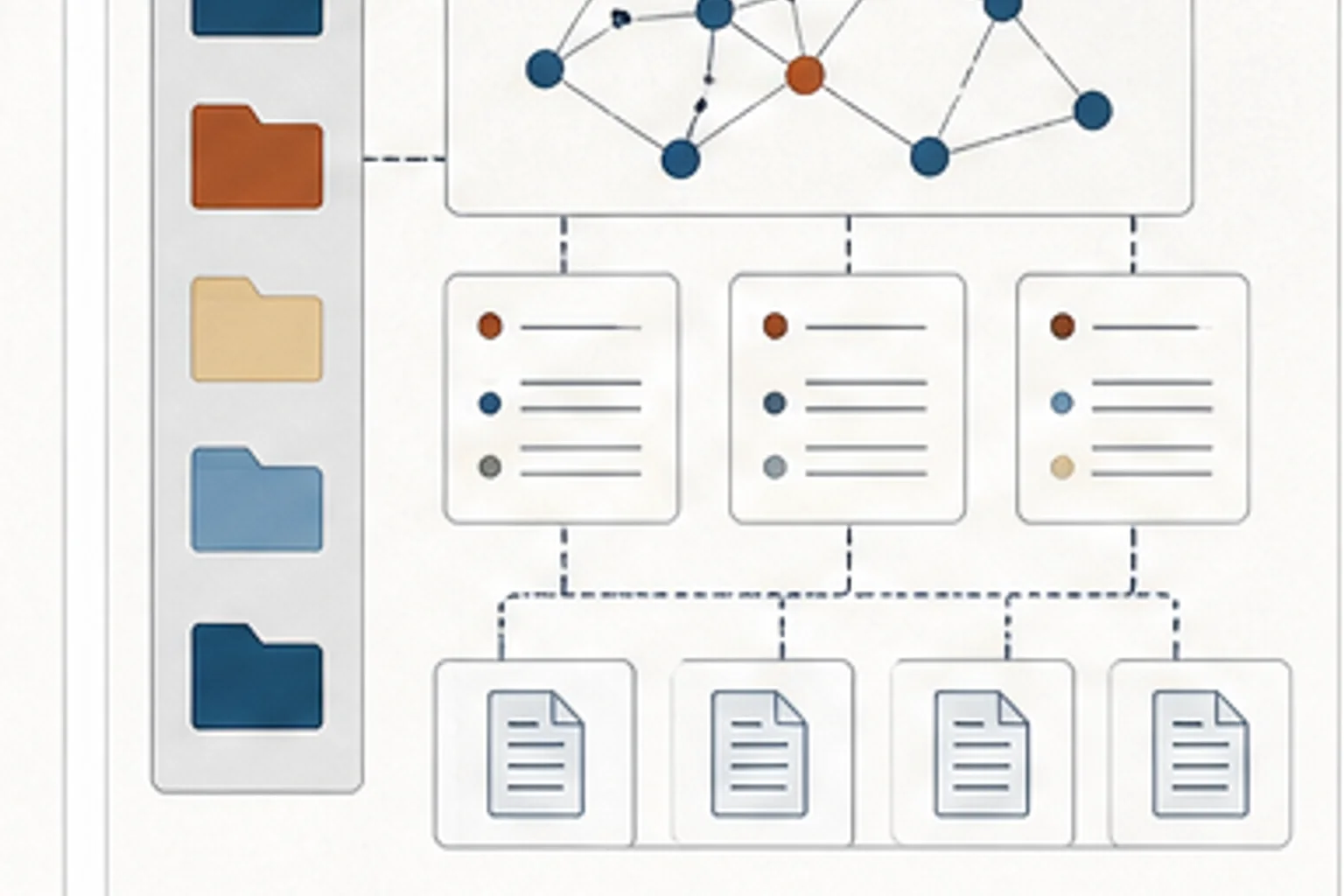
Use Obsidian as the working memory layer: a Mission Control note for current priorities, project indexes for active work, source notes for evidence, and session handoffs so Claude Code can restart with useful context.
Use this page to understand the operating pattern. Then download the setup guide when you are ready to build the Mission Control note, project index, and session handoff routine in your own vault.
The PDF is the build artifact. It gives you the folder logic, note patterns, Mission Control structure, MEMORY index idea, and session habits that make Obsidian useful to Claude Code.
Look for the context you keep re-explaining to Claude Code: project goals, site decisions, source files, writing preferences, deployment notes, and open questions.
- Claude Code needs to understand a project before making useful changes
- Project decisions, source links, and deployment notes are scattered across chats or files
- Each coding or site session starts by rebuilding the same context
- Where should Claude Code look first at the start of a session?
- Which project notes explain the current decisions, constraints, and open questions?
- Where will the handoff from this session be written so the next session starts faster?
- Notes with useful details but no summary at the top
- Folders that make sense only because you remember the project history
- Claude Code sessions that start with five minutes of context rebuilding
- Decisions trapped in chat history instead of written back into the vault
- Context keeps getting rebuilt You start each Claude Code session by pasting the same project background, decisions, and file paths.
- Decisions live in chat The useful reasoning is in yesterday's AI conversation, not in a note that the next session can read.
- The repo has code, but not memory Claude Code can inspect files, but it cannot easily tell why choices were made, what the user prefers, or what is still unresolved.
- Create a Mission Control note that points Claude Code to the active work
- Create one project index per active project with goals, source links, decisions, and current files
- Put short summaries at the top of important notes so Claude Code can quickly judge relevance
- End each session with a handoff note: what changed, what was verified, what is still open, and what to read next
Create a Mission Control note and link one active project index from it. Add what Claude Code should read first before touching files.
- Mission Control Use one note as the start point for Claude Code. It should name the active projects, current priorities, and the notes or files to read first.
- Project memory Use project indexes to hold goals, constraints, source links, decisions, active files, and reusable prompts for each body of work.
- Session handoff At the end of each session, have Claude Code update the vault with what changed, what was verified, what is still open, and where to restart.