What this means here.
An AI workflow is a defined work path where AI supports a bounded task, approved source material is visible, human review is required, and a person still owns the final decision.
Practical ways to use AI in planning, drafting, review, QA, knowledge management, and production without turning the work into a tool demo.
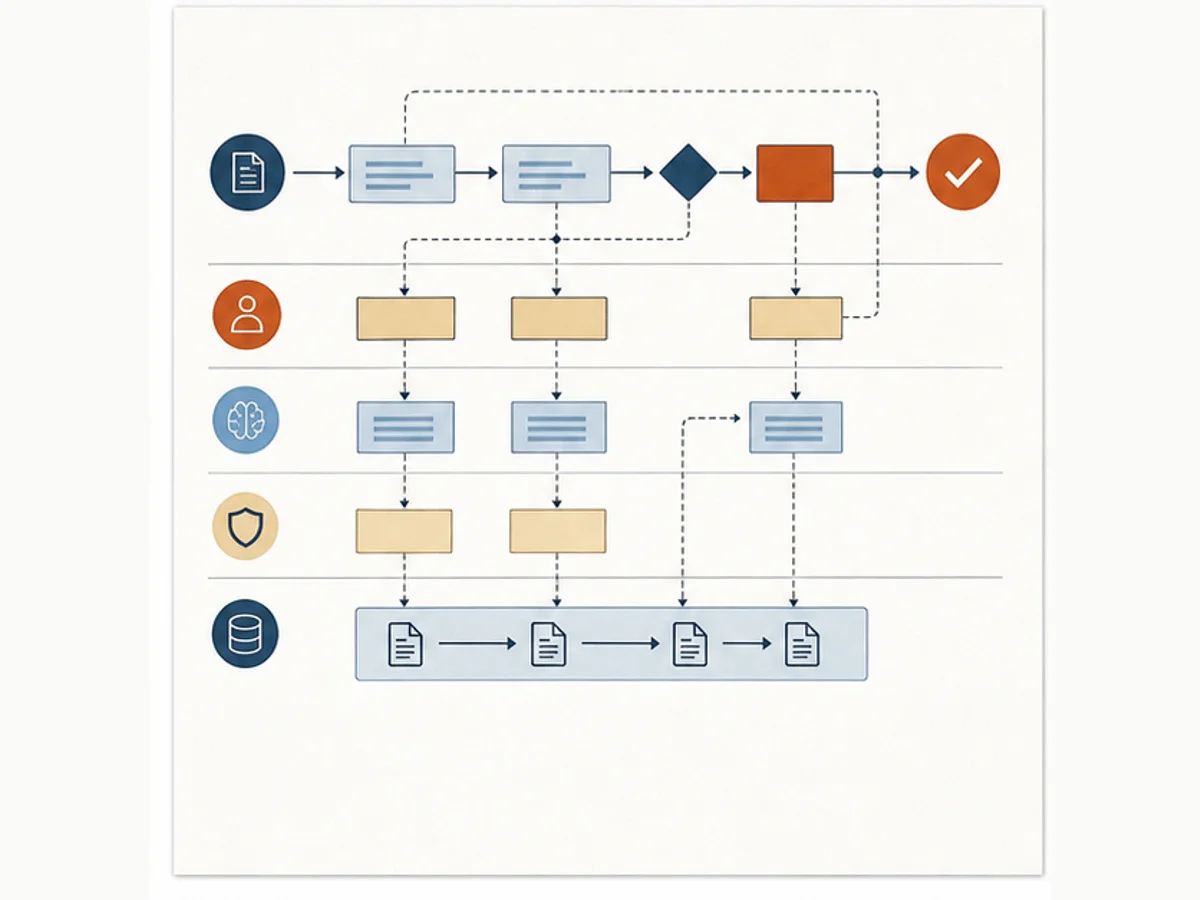
An AI workflow is a defined work path where AI supports a bounded task, approved source material is visible, human review is required, and a person still owns the final decision.
AI gets useful when we attach it to a real workflow. It gets messy when we add tools before we agree on standards, review habits, and ownership.
Attaching AI to the planning, drafting, review, and QA work we already do
Reducing blank-page work without weakening review standards
Turning tool access into repeatable team habits
These prompts slow the conversation down before we add another course, tool, report, or AI workflow.
These patterns help us name what is happening before we commit to a fix.
The team collects prompts, but we still have not defined source standards, review gates, or accountable owners.
One person moves faster, but the shared workflow, QA process, and review standard stay the same.
Drafts look polished, but reviewers cannot tell which sources were used or what still needs human judgment.
Start with the smallest useful move. Then add common workplace tools or AI only when they help the work.
Write the rules for one AI-supported workflow on paper: allowed tasks, not-allowed tasks, required source checks, review owner, and publish criteria.
Create a shared Word, Google Doc, or SharePoint page with approved prompts, source checklists, review criteria, and before-after examples.
Use AI to draft first-pass outlines, SME questions, accessibility checks, and QA checklists, then require human review for facts, tone, risk, and final decisions.
Use the note for context, the template for the working artifact, and the example when you need to see the shift before trying it.
Start here when the team has AI access but needs a better operating pattern for using it in real L&D production work.
Use this when a team needs to define source material, allowed AI tasks, review gates, and human ownership.
Use this when AI output feels generic because the work around the prompt is unclear.
Use these when the topic needs to become a repeatable setup in a document, spreadsheet, List, Sheet, or shared workspace.
Set up Obsidian as persistent context and living documentation for Claude Code projects, with Mission Control, a MEMORY index, session handoffs, and reusable L&D project notes.
Use these when you want examples, explanations, and next actions for this part of the system.
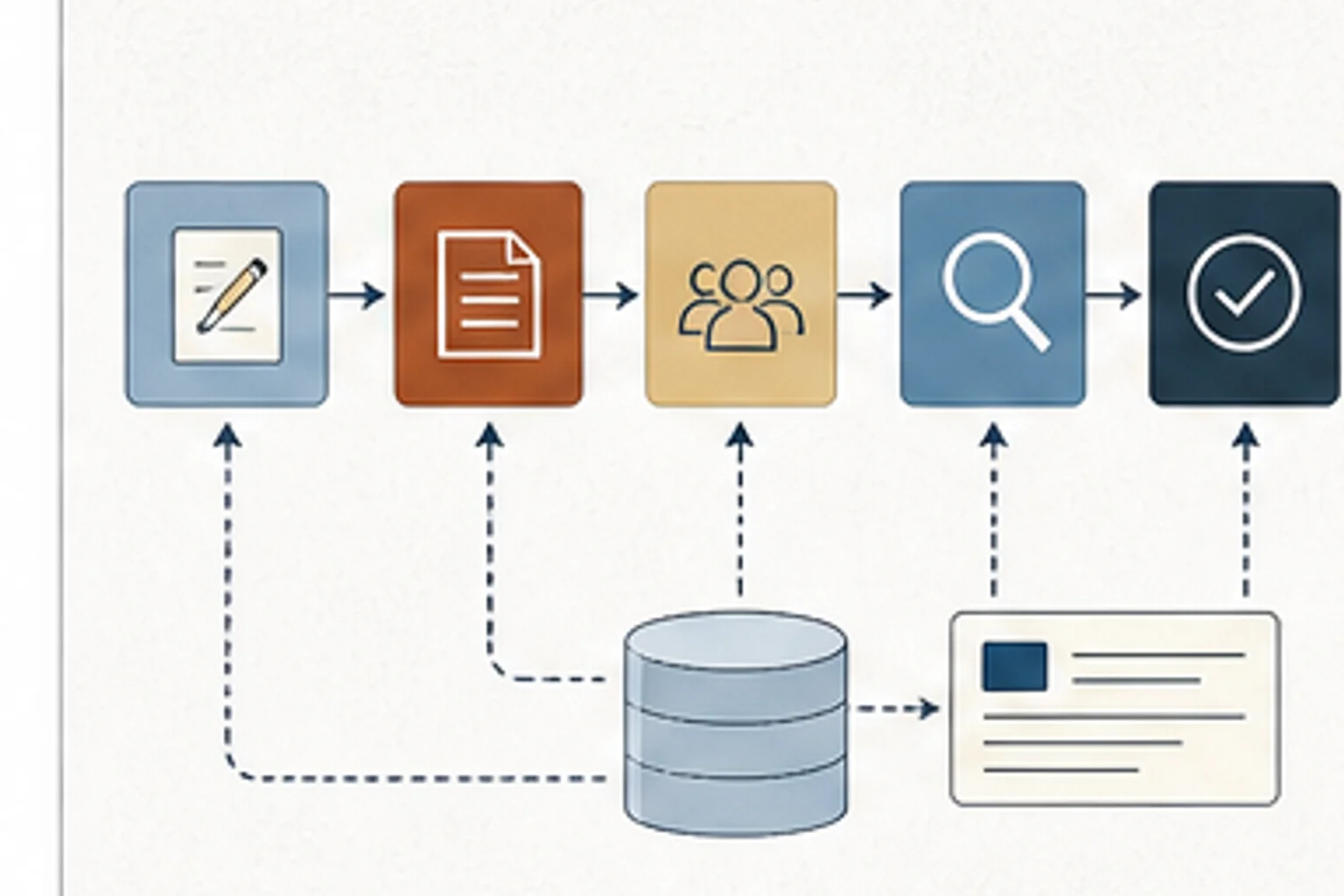
Systems thinking, not tool access alone, changed development cycle time. AI worked when it improved planning, review, handoffs, and production habits.
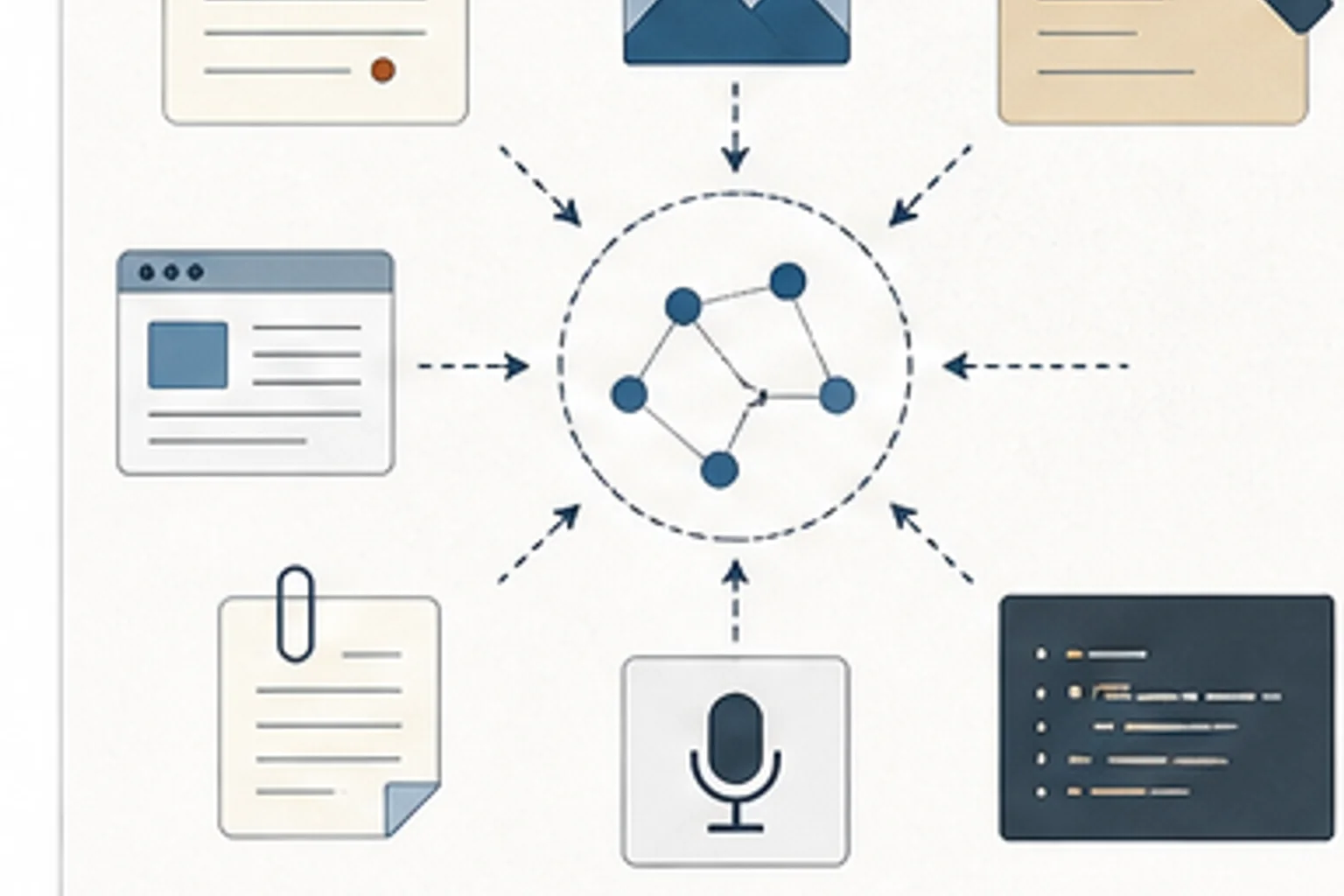
L&D teams research constantly but retain too little between projects. A personal knowledge system turns scattered notes into reusable context.
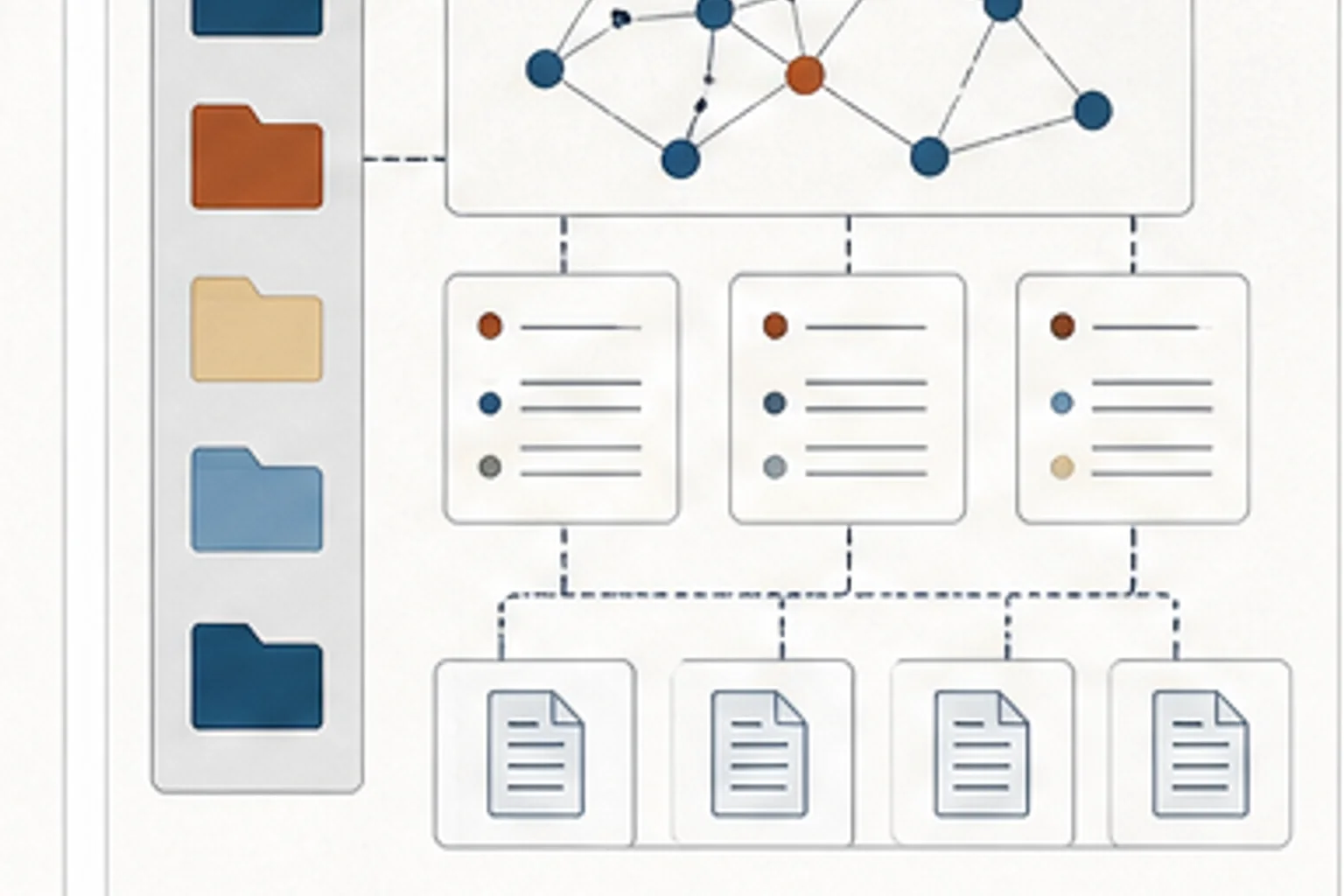
A practical setup guide for giving Claude Code persistent project context, session handoffs, and reusable L&D working memory.
A research knowledge base can help L&D teams maintain reusable context for tools, frameworks, examples, and implementation decisions.
Use Claude and Cowork for planning, drafting, review preparation, reusable project context, and daily L&D production workflows.
Use Copilot across Word, Excel, PowerPoint, Teams, SharePoint, Power Automate, Forms, Power BI, Viva, and Copilot Studio.
Use Gemini, NotebookLM, Canvas, Deep Research, Gems, and Workspace workflows for practical learning team work.
Use Obsidian as persistent context and living documentation for Claude Code projects.
Use the carousel as a quick reference for better AI-assisted visual production briefs and iteration habits.
Define one AI-supported L&D workflow, including source material, allowed tasks, review gates, risk checks, and the human decision owner.
Use these when you want the before-and-after move before you open the template.
Give an AI tool the role, source material, task, constraints, review standard, and output format it needs to help safely.
Use this when we need to check the idea against source material or platform documentation.
Use this when we need to check the idea against source material or platform documentation.
Use this when we need to check the idea against source material or platform documentation.
Use this when we need to check the idea against source material or platform documentation.