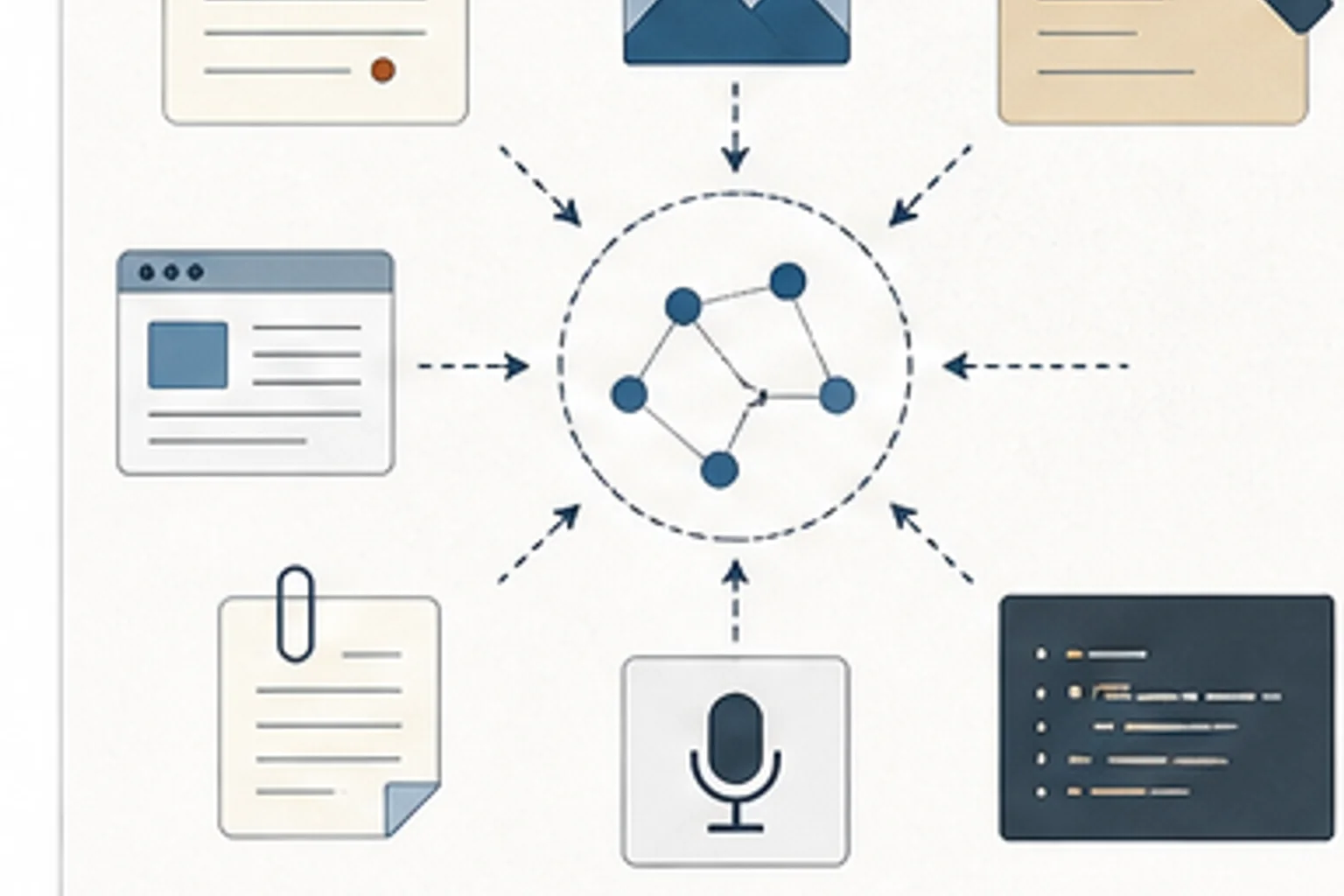
Use this note to turn repeated L&D research into reusable context that compounds across projects instead of disappearing after each deliverable.
* Updated as of May 2026. AI tool connection paths change, so verify the current tool behavior before making this a team standard.
Give Claude Code a Memory
Set up Obsidian as persistent context and living documentation for Claude Code projects, with Mission Control, a MEMORY index, session handoffs, and reusable L&D project notes.
This feels like remembering that we solved this once, but not remembering where the answer went. The research is somewhere in a doc, chat, bookmark, slide deck, or prompt thread.
Learning teams gather articles, SME notes, tool research, and examples across many projects. Without a system, that context disappears when the project closes.
Use a small personal knowledge system for durable notes, source links, reusable prompts, and project context. The point is not more notes. The point is a system that can be reused.
Look for research you have repeated three times because the previous version was buried in email, chat, or a forgotten document.
- You keep researching the same tools, frameworks, examples, or standards
- Prompt quality depends on context scattered across chats, docs, and bookmarks
- Project knowledge disappears when the deliverable is complete
- What research have you repeated more than twice?
- Which notes would help future work if they had a clear summary and source?
- What project context should be reusable instead of temporary?
- Research links saved without a note about why they mattered
- Prompt threads that contain useful thinking but no reusable summary
- Project notes that disappear when the deliverable is finished
- Prompt-first adoption The team collects prompts, but we still have not defined source standards, review gates, or accountable owners.
- Private productivity gains One person moves faster, but the shared workflow, QA process, and review standard stay the same.
- AI output without evidence Drafts look polished, but reviewers cannot tell which sources were used or what still needs human judgment.
- Create a small map of recurring L&D research topics
- Add source links, short summaries, and project context to important notes
- Keep prompts and examples near the research that supports them
- Decide which notes are safe for direct local-agent use, copied excerpts, cloud exports, or NotebookLM-style source sets
Create one note for a recurring research topic and give it three sections. What we know, sources we trust, and open questions.
- No technology Write the rules for one AI-supported workflow on paper: allowed tasks, not-allowed tasks, required source checks, review owner, and publish criteria.
- Microsoft 365 or Google Workspace Create a shared Word, Google Doc, or SharePoint page with approved prompts, source checklists, review criteria, and before-after examples.
- AI-assisted Use AI to draft first-pass outlines, SME questions, accessibility checks, and QA checklists, then require human review for facts, tone, risk, and final decisions.