What this means here.
LMS strategy is the operating model for how the learning platform supports access, assignments, reporting, permissions, migrations, integrations, governance, and admin work.
Governance, migration, reporting, integrations, testing, and platform fit for teams that need an LMS to operate cleanly.
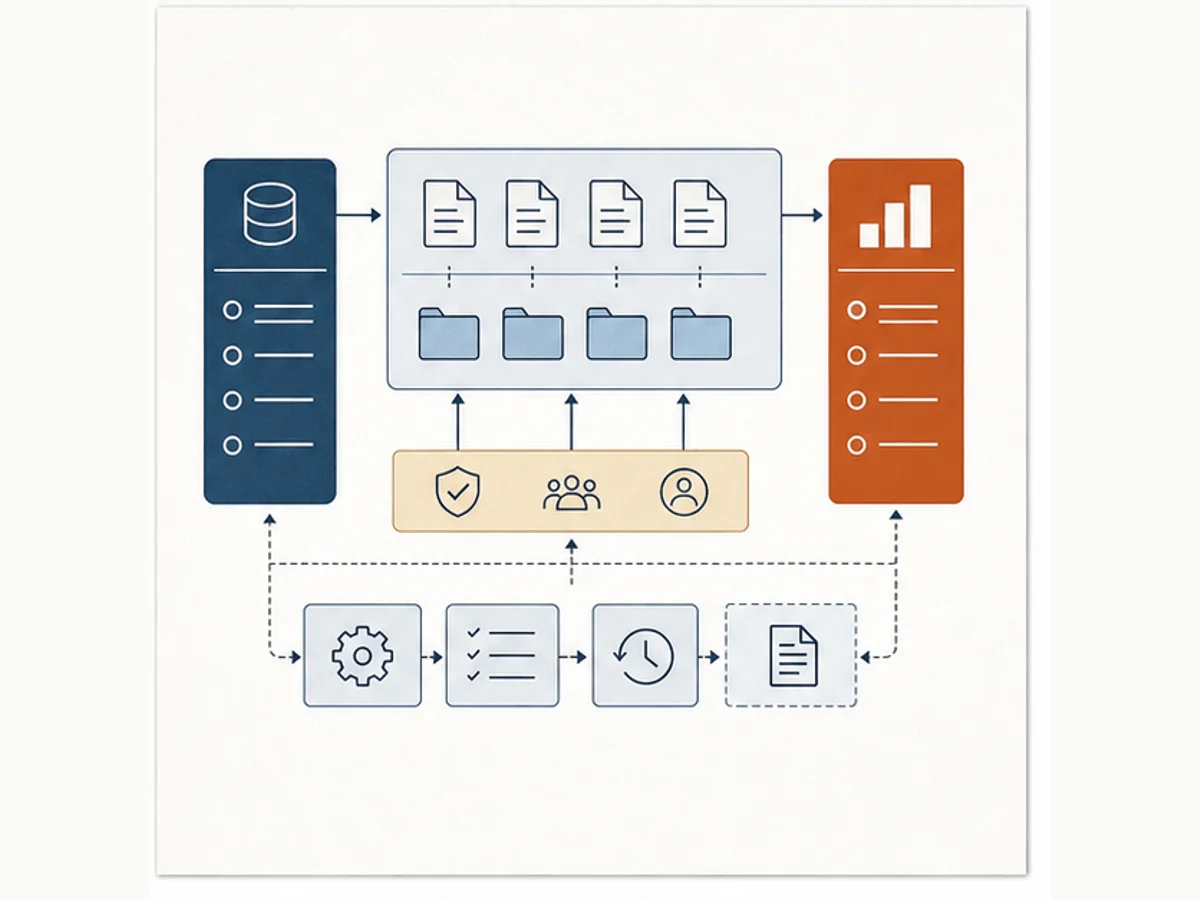
LMS strategy is the operating model for how the learning platform supports access, assignments, reporting, permissions, migrations, integrations, governance, and admin work.
An LMS decision only works when the operating model works. Admin burden, reporting needs, role paths, permissions, and content structure are not side details. They are the work.
Making platform ownership and admin decisions explicit before they become cleanup work
Evaluating LMS fit beyond the feature comparison grid
Reducing reporting, migration, permissions, and maintenance risk before launch
These prompts slow the conversation down before we add another course, tool, report, or AI workflow.
These patterns help us name what is happening before we commit to a fix.
The team compares platforms by features, but ownership, reporting, permissions, support, and content structure are still vague.
Leaders ask for data, but completion rules, audiences, roles, due dates, and content names are inconsistent.
We start moving content before deciding what to archive, rebuild, merge, rename, or retire.
Start with the smallest useful move. Then add common workplace tools or AI only when they help the work.
Write the five LMS decisions that create the most rework: naming, roles, permissions, completion rules, reports, or support ownership.
Build a report dictionary in Excel or Sheets and a migration decision log in Lists, Planner, Google Sheets, or a shared Doc.
Use AI to review exported LMS inventories for duplicate names, missing owners, inconsistent metadata, stale content, and risky migration assumptions.
Use the note for context, the template for the working artifact, and the example when you need to see the shift before trying it.
Start here when LMS decisions keep repeating because ownership, rules, and reporting standards are not explicit.
Use this when the team needs one place to capture platform decisions before they turn into cleanup work.
Use this when reporting requests need a decision, audience, cadence, source, and owner before anyone builds the report.
Use these when the topic needs to become a repeatable setup in a document, spreadsheet, List, Sheet, or shared workspace.
Set up a quarantine list so stale, risky, duplicate, or unowned learning content has a visible status before the team deletes, rewrites, or leaves it live.
Set up a report definition library so LMS reports have visible decisions, metric definitions, source fields, cadence, owners, and caveats.
Use these when you want examples, explanations, and next actions for this part of the system.
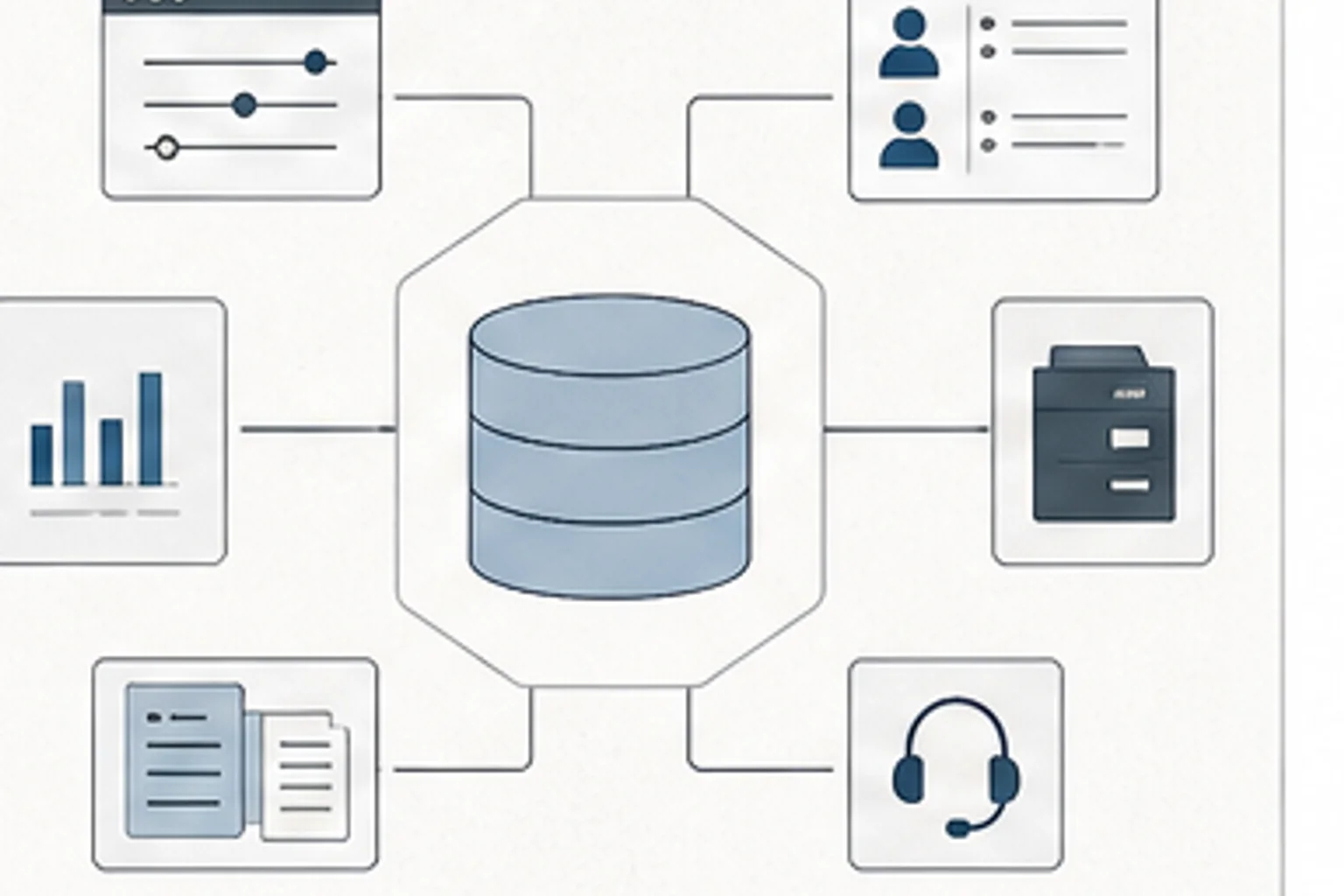
A platform decision only works when ownership, reporting, migration risk, content structure, and admin burden are part of the design.
Use Copilot across Word, Excel, PowerPoint, Teams, SharePoint, Power Automate, Forms, Power BI, Viva, and Copilot Studio.
Record repeated LMS decisions about ownership, permissions, reporting, catalog structure, migrations, testing, and admin standards.
Make content ownership, review dates, audience, source material, and retirement triggers visible before the library quietly decays.
Use these when you want the before-and-after move before you open the template.
Translate a vague LMS report ask into the decision, audience, data source, cadence, and ownership needed to make it useful.
Turn an old content list into a quarantine decision table that shows risk, owner, decision needed, review date, and final status.
Turn a vague monthly completion request into a report definition that names the decision, audience, metric, source field, cadence, owner, and caveat.
Use this when we need to check the idea against source material or platform documentation.
Use this when we need to check the idea against source material or platform documentation.
Use this when we need to check the idea against source material or platform documentation.
Use this when we need to check the idea against source material or platform documentation.