What this means here.
Learning operations is the operating layer behind L&D work: intake, prioritization, ownership, review rhythm, platform decisions, reporting habits, and the routines that keep the work from depending on memory.
Operating models, intake, ownership, governance, prioritization, and the routines that make L&D work repeatable.
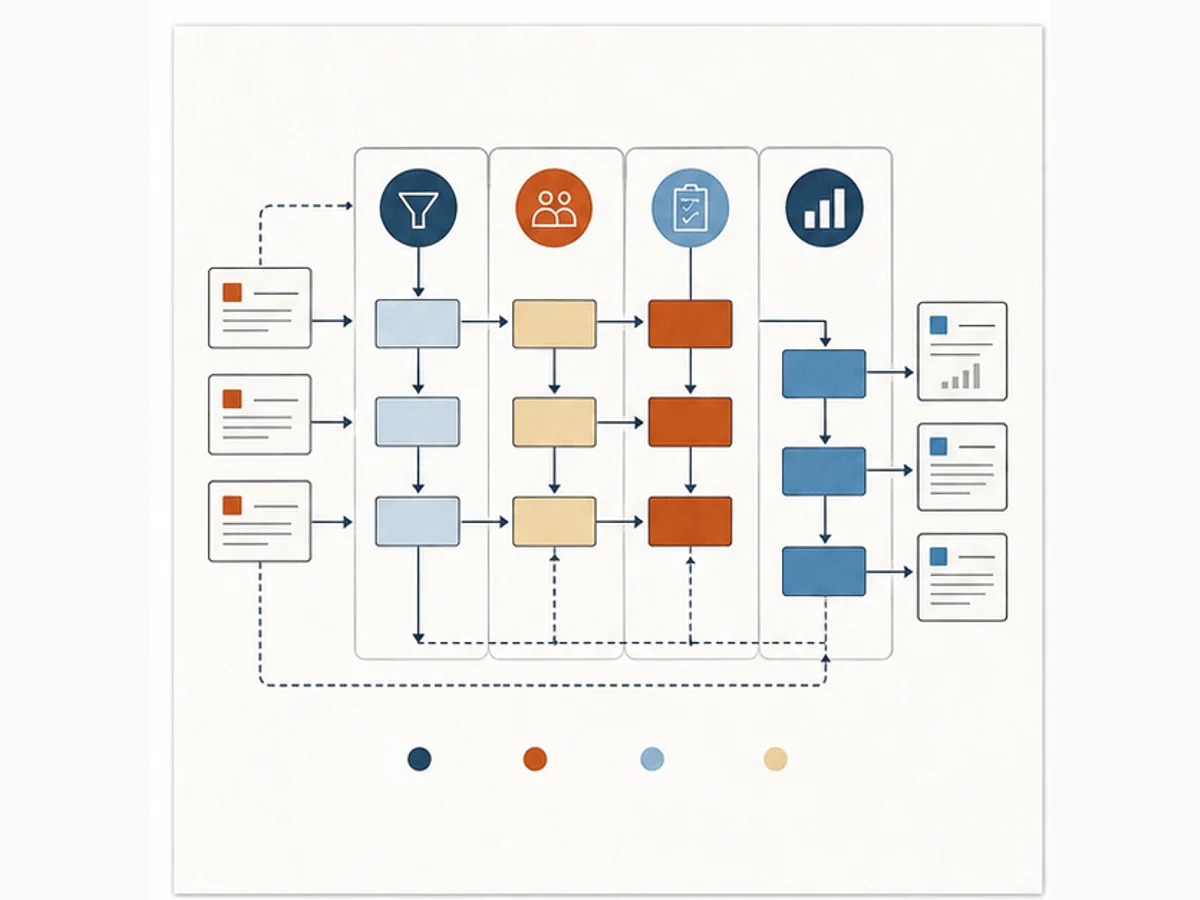
Learning operations is the operating layer behind L&D work: intake, prioritization, ownership, review rhythm, platform decisions, reporting habits, and the routines that keep the work from depending on memory.
This work gets hard when everything lives in side conversations. We need the request, the decision, the owner, and the maintenance path somewhere the team can see.
Slowing the intake conversation down before we commit to an asset
Making ownership, standards, and review paths easier to see
Building routines that still work when request volume goes up
These prompts slow the conversation down before we add another course, tool, report, or AI workflow.
These patterns help us name what is happening before we commit to a fix.
The requester names the asset first, but cannot name the behavior, audience, workflow, or evidence standard.
We know the team is busy, but we cannot show request volume, active work, blocked work, or tradeoffs.
The same request gets different answers depending on who is asked or who remembers the last decision.
Start with the smallest useful move. Then add common workplace tools or AI only when they help the work.
Run a 15-minute request triage with four questions: what task is failing, who performs it, where does it fail, and what evidence would show improvement.
Use Microsoft Lists, Excel, Google Sheets, or Forms to capture request type, audience, status, priority, owner, due date, and decision notes.
Ask AI to classify requests into training, workflow, documentation, manager support, tool, or measurement issues, then have a human confirm the category before work starts.
Use the note for context, the template for the working artifact, and the example when you need to see the shift before trying it.
Start here when requests are arriving as course ideas before anyone has named the work problem.
Use this when you need a lightweight intake structure that can live in the tools your team already uses.
Use this when you need to show what a better-scoped request actually looks like.
Use these when the topic needs to become a repeatable setup in a document, spreadsheet, List, Sheet, or shared workspace.
Set up a lightweight manager observation capture and scorecard so behavior evidence can be collected without turning managers into researchers.
Set up a quarantine list so stale, risky, duplicate, or unowned learning content has a visible status before the team deletes, rewrites, or leaves it live.
Set up a report definition library so LMS reports have visible decisions, metric definitions, source fields, cadence, owners, and caveats.
Set up Obsidian as persistent context and living documentation for Claude Code projects, with Mission Control, a MEMORY index, session handoffs, and reusable L&D project notes.
Use these when you want examples, explanations, and next actions for this part of the system.
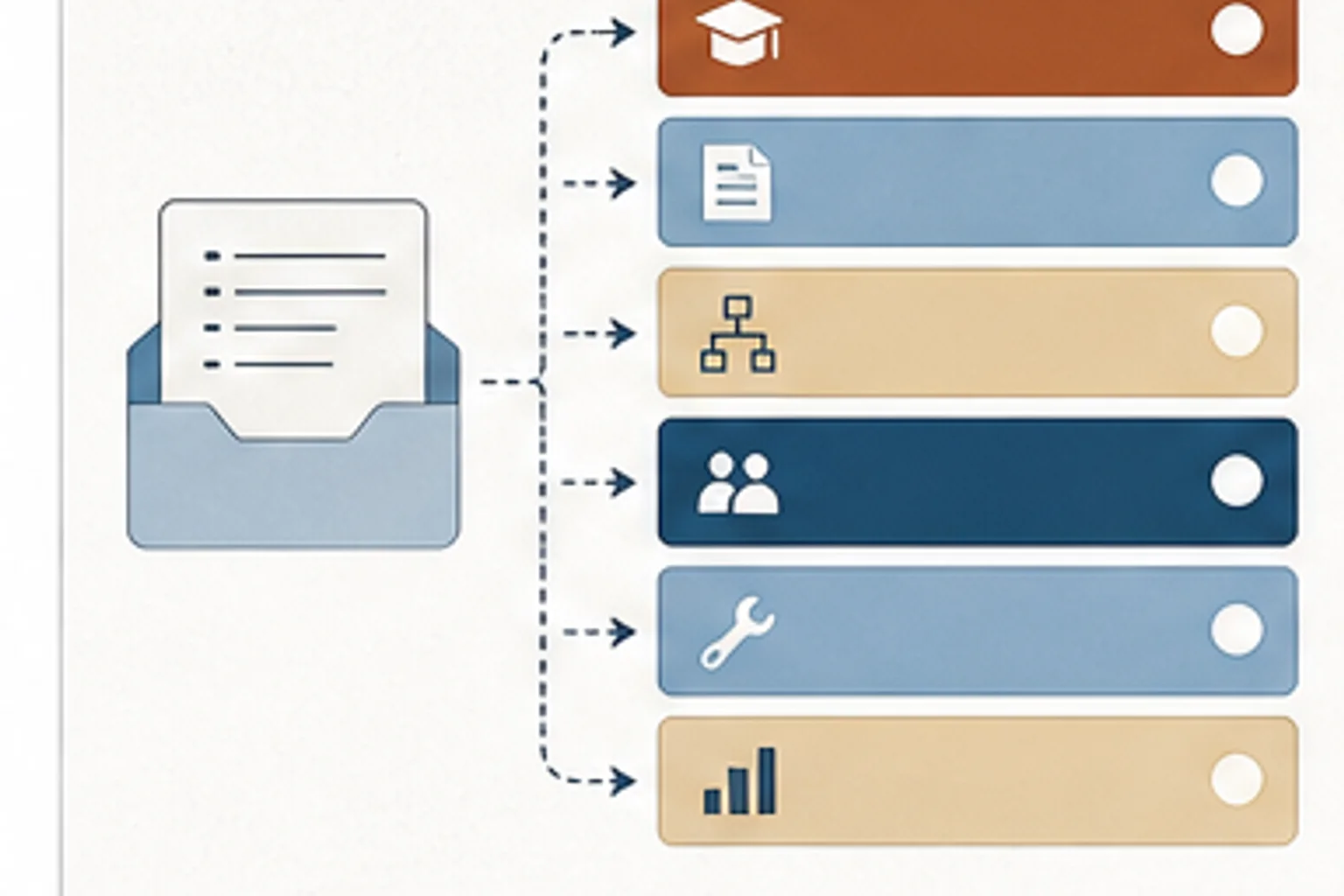
A better intake conversation separates training problems from workflow, tool, manager, documentation, and performance support problems.
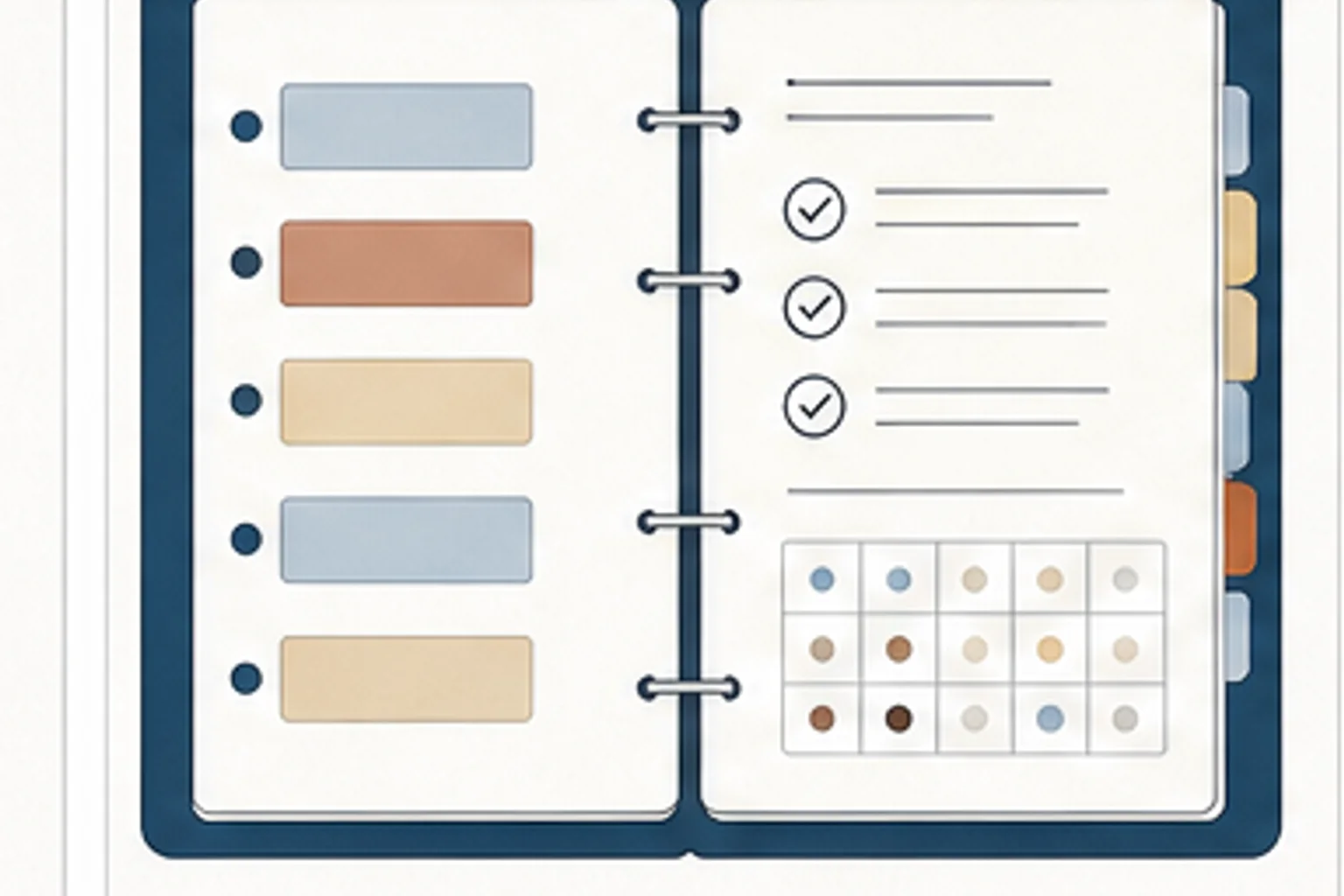
A playbook makes ownership, review, naming, publishing, QA, and maintenance visible enough for the team to improve the system.
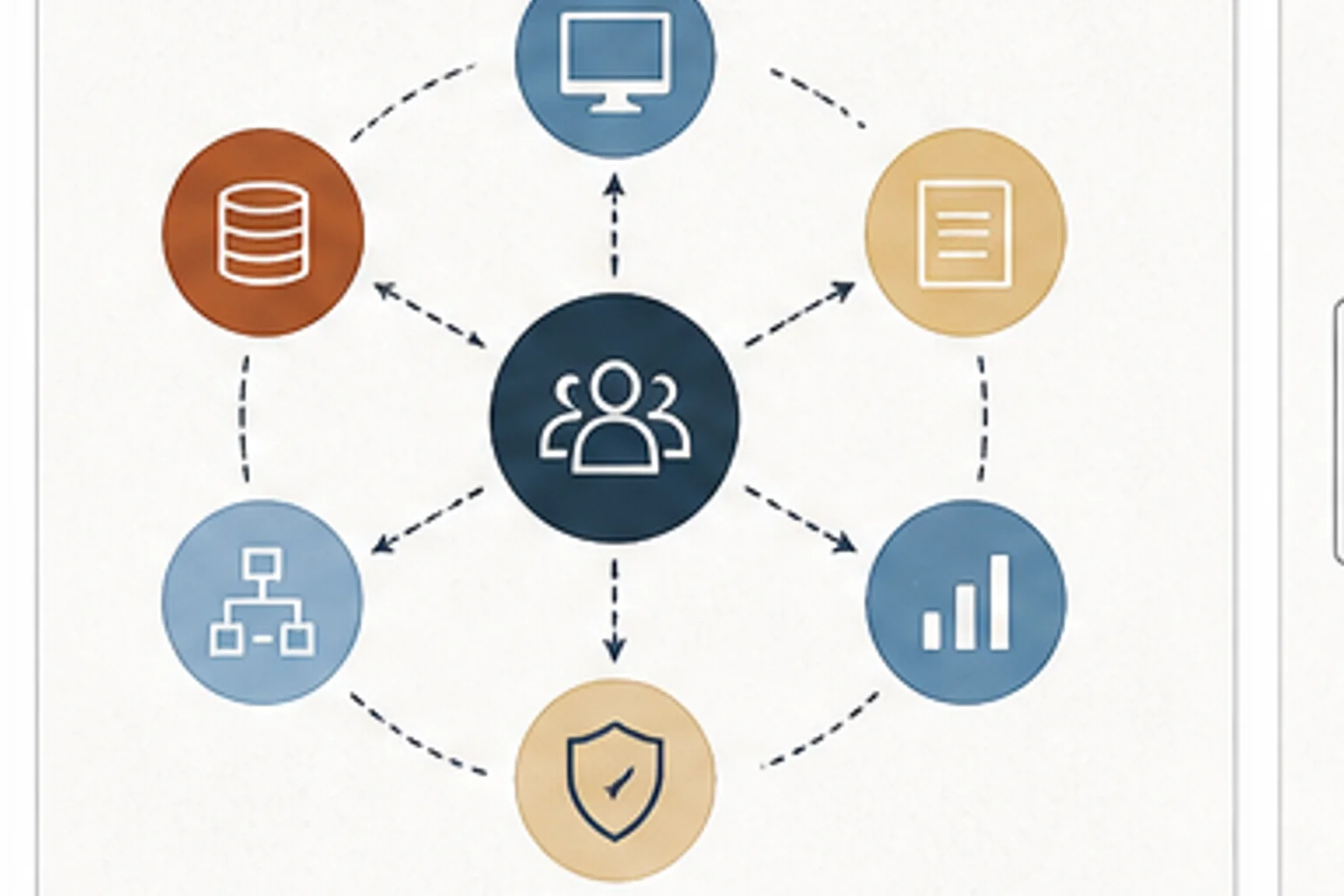
Scaling L&D requires more than instructional design skill. It needs people who can own systems, data, projects, platforms, and messy handoffs.
Use Claude and Cowork for planning, drafting, review preparation, reusable project context, and daily L&D production workflows.
Use Copilot across Word, Excel, PowerPoint, Teams, SharePoint, Power Automate, Forms, Power BI, Viva, and Copilot Studio.
Use Obsidian as persistent context and living documentation for Claude Code projects.
Use this before accepting a course, workshop, job aid, or content request so the team can name the task, audience, workflow, and evidence standard.
Separate fact issues, workflow issues, approval calls, risk concerns, and preferences before SME review becomes one overloaded step.
Define the decision your evidence needs to support before the team defaults to completions, satisfaction, or dashboard noise.
Record repeated LMS decisions about ownership, permissions, reporting, catalog structure, migrations, testing, and admin standards.
Define one AI-supported L&D workflow, including source material, allowed tasks, review gates, risk checks, and the human decision owner.
Use these when you want the before-and-after move before you open the template.
Turn a broad training ask into a clearer request with audience, behavior, workflow, evidence, and constraints.
Turn a large course outline into smaller task-based resources that follow real work, clarify decision points, and make maintenance easier when the process changes.
Turn a messy content list into an inventory that shows owner, status, audience, lifecycle, and next maintenance action.
Turn loose manager feedback into a behavior evidence scorecard with observable criteria, confidence, support needs, and evidence limits.
Turn an old content list into a quarantine decision table that shows risk, owner, decision needed, review date, and final status.
Turn a vague monthly completion request into a report definition that names the decision, audience, metric, source field, cadence, owner, and caveat.
Use this when we need to check the idea against source material or platform documentation.
Use this when we need to check the idea against source material or platform documentation.
Use this when we need to check the idea against source material or platform documentation.
Use this when we need to check the idea against source material or platform documentation.