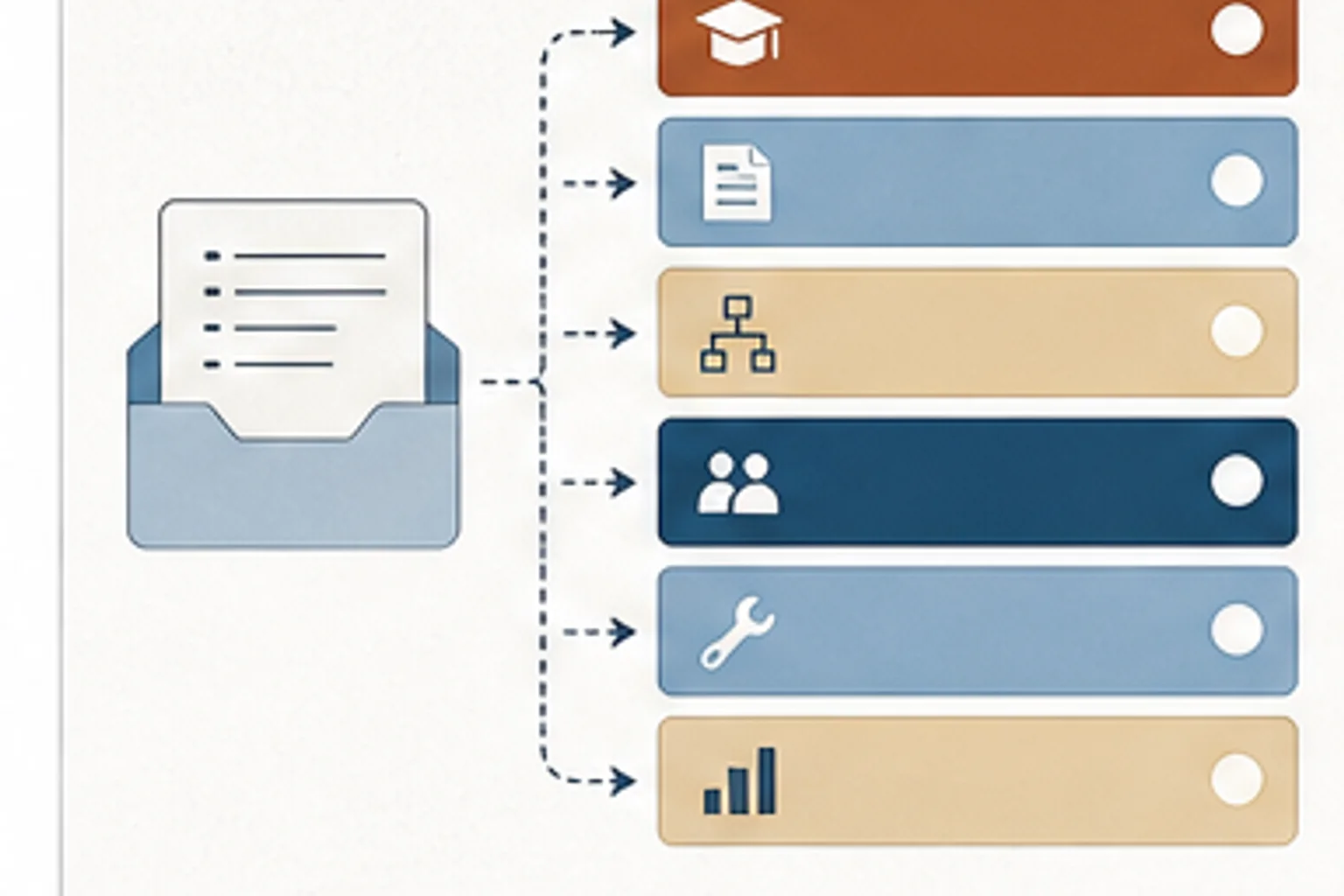
Use this note to turn intake from order-taking into a fast diagnosis of behavior, workflow, documentation, manager, tool, or evidence problems.
This is the meeting where the solution arrives before the problem. Someone asks for a course, a video, or a workshop, and we have to slow the conversation down without making it feel like we are blocking the work.
Training requests often arrive as a solution, not a diagnosis. If the team accepts the request too quickly, it may build a course for a workflow problem.
Ask what task is failing, who performs it, where the failure shows up, what support already exists, and what would change if the request worked. Then decide whether the answer is training, documentation, process, manager support, or tool design.
Look for requests that name an asset before naming the behavior, audience, workflow, or evidence standard.
- A requester asks for a course before defining the performance gap
- The team keeps building training for problems that are not training problems
- Intake conversations are inconsistent across requesters and team members
- What should someone be able to do that they cannot reliably do now?
- Where does the problem show up in the workflow?
- What support already exists, and why is it not enough?
- Requests that name the format before the behavior
- Problems that show up only in one manager's team or one workflow step
- Training requests that are really about access, unclear process, missing documentation, or tool friction
- Order-taking intake The requester names the asset first, but cannot name the behavior, audience, workflow, or evidence standard.
- Invisible capacity We know the team is busy, but we cannot show request volume, active work, blocked work, or tradeoffs.
- Governance by memory The same request gets different answers depending on who is asked or who remembers the last decision.
- Ask one behavior question before accepting the requested format
- Sort the request into training, documentation, workflow, manager support, or tool design
- Define what evidence would show the request worked
Add one intake pause before accepting the format. Ask what someone should be able to do that they cannot reliably do now, then write the answer in the request notes.
- No technology Run a 15-minute request triage with four questions: what task is failing, who performs it, where does it fail, and what evidence would show improvement.
- Microsoft 365 or Google Workspace Use Microsoft Lists, Excel, Google Sheets, or Forms to capture request type, audience, status, priority, owner, due date, and decision notes.
- AI-assisted Ask AI to classify requests into training, workflow, documentation, manager support, tool, or measurement issues, then have a human confirm the category before work starts.