What this means here.
A content system is the structure that governs learning assets from request to retirement: scope, source material, SME review, format, publishing, ownership, maintenance, and removal.
Intake, SME review, task-based learning, QA, publishing, deprecation, and maintenance for learning content that stays usable.
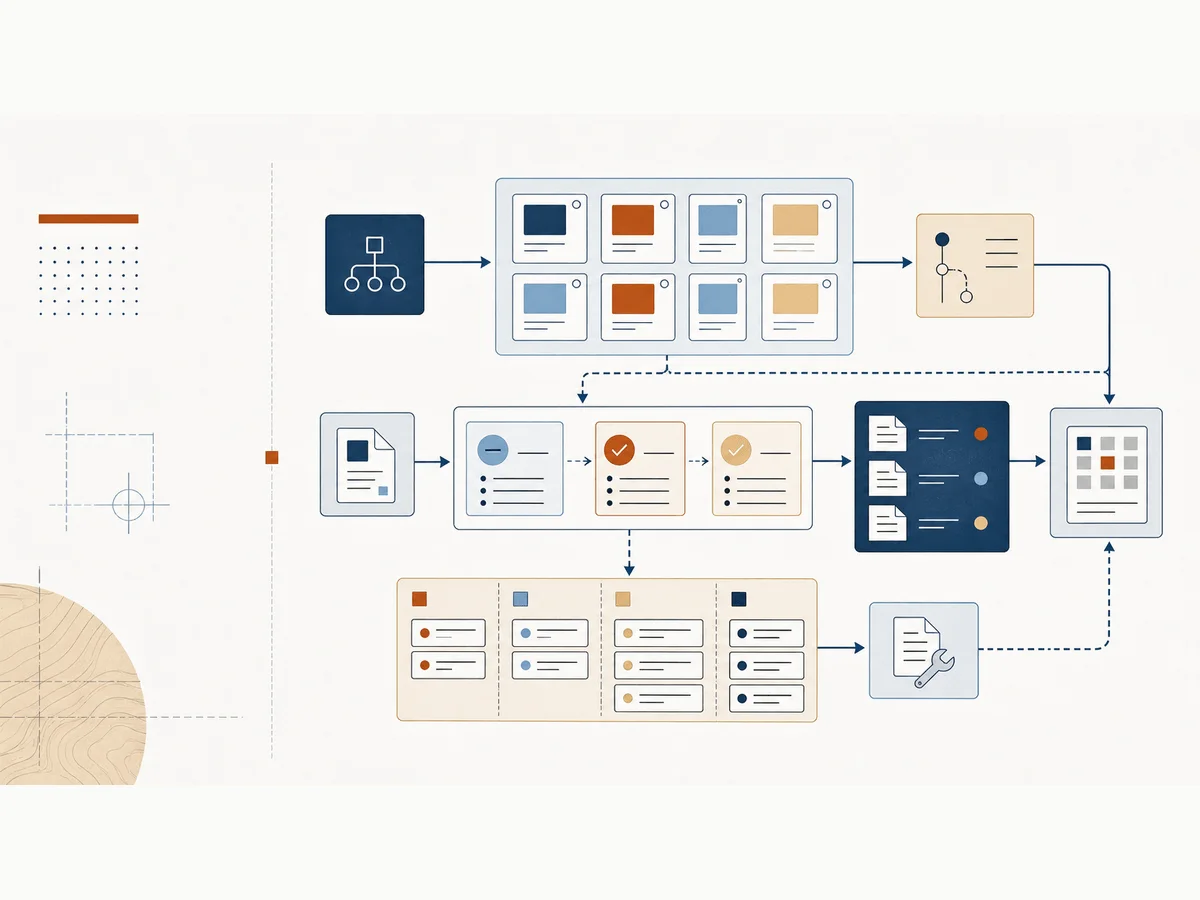
A content system is the structure that governs learning assets from request to retirement: scope, source material, SME review, format, publishing, ownership, maintenance, and removal.
Most content problems are system problems. More production capacity helps for a minute, but clearer scope, cleaner review, stronger standards, and maintenance discipline are what keep the library usable.
Breaking broad courses into task-based resources people can use at the moment of need
Making SME review and content maintenance easier to manage
Keeping content useful after launch instead of letting it quietly age out
These prompts slow the conversation down before we add another course, tool, report, or AI workflow.
These patterns help us name what is happening before we commit to a fix.
One course contains many tasks, many audiences, or many decisions, so learners cannot find the exact help they need.
SMEs are asked to fix scope, facts, examples, workflow logic, and partner-team concerns late in the process.
Assets stay live without owner, review date, retirement rule, or signal that the content is still accurate.
Start with the smallest useful move. Then add common workplace tools or AI only when they help the work.
Print or list one course outline and mark every task inside it. Each task becomes a candidate job aid, micro-module, practice item, or reference.
Use Excel, Sheets, Lists, or a shared tracker for asset owner, task, audience, format, status, review date, source SME, and retirement trigger.
Ask AI to turn a long course outline into task-based chunks, draft SME review questions, and flag missing practice, accessibility, and maintenance details.
Use the note for context, the template for the working artifact, and the example when you need to see the shift before trying it.
Start here when long courses are hiding the task-based support people actually need.
Use this when the content library needs owner, status, review, lifecycle, and next-action decisions.
Use this when the team has a content list but cannot tell what to keep, revise, merge, archive, or confirm.
Use these when the topic needs to become a repeatable setup in a document, spreadsheet, List, Sheet, or shared workspace.
Set up a quarantine list so stale, risky, duplicate, or unowned learning content has a visible status before the team deletes, rewrites, or leaves it live.
Use these when you want examples, explanations, and next actions for this part of the system.
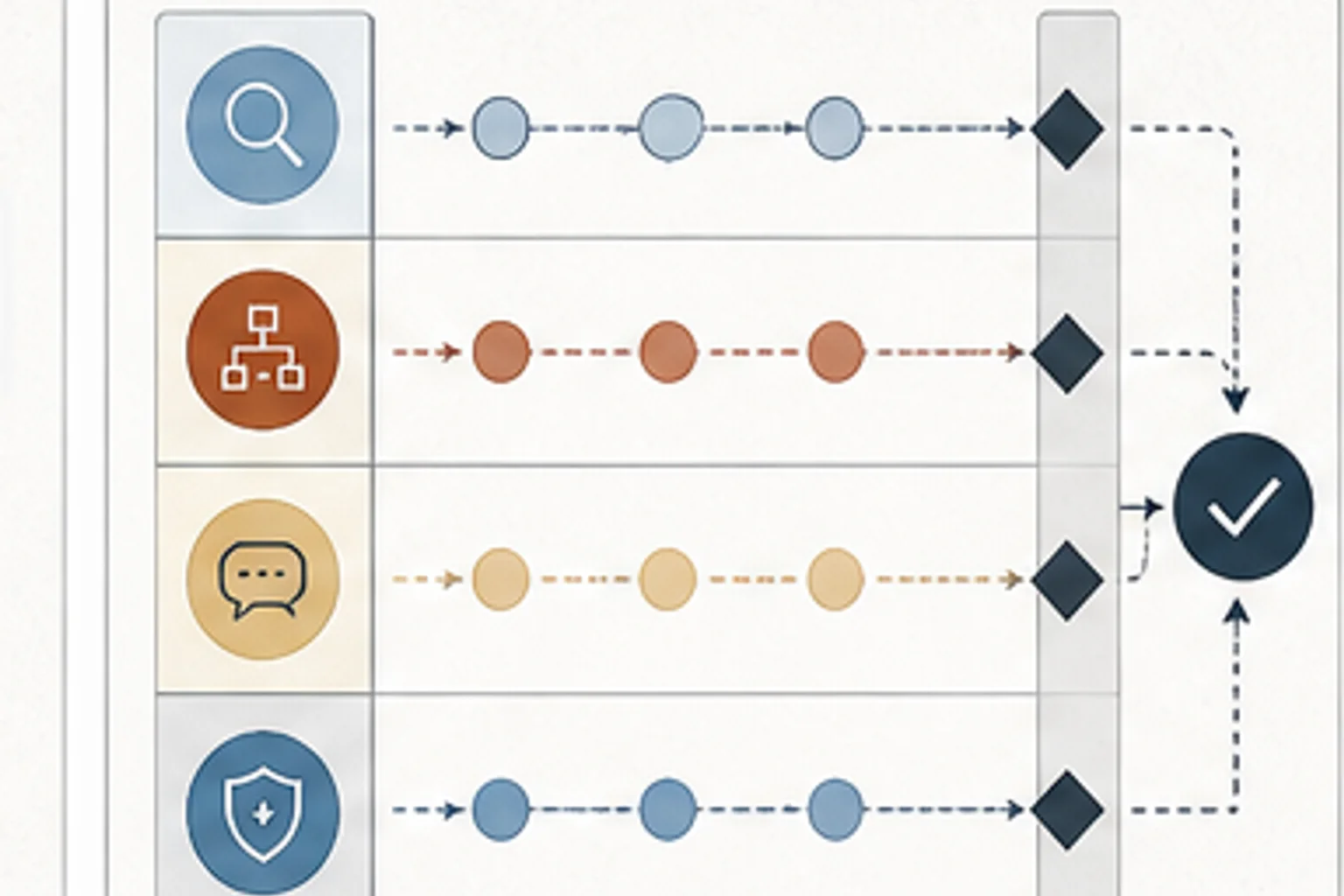
The bottleneck is often the process built around the SME: unclear decision rights, vague review standards, and late-stage approval pressure.
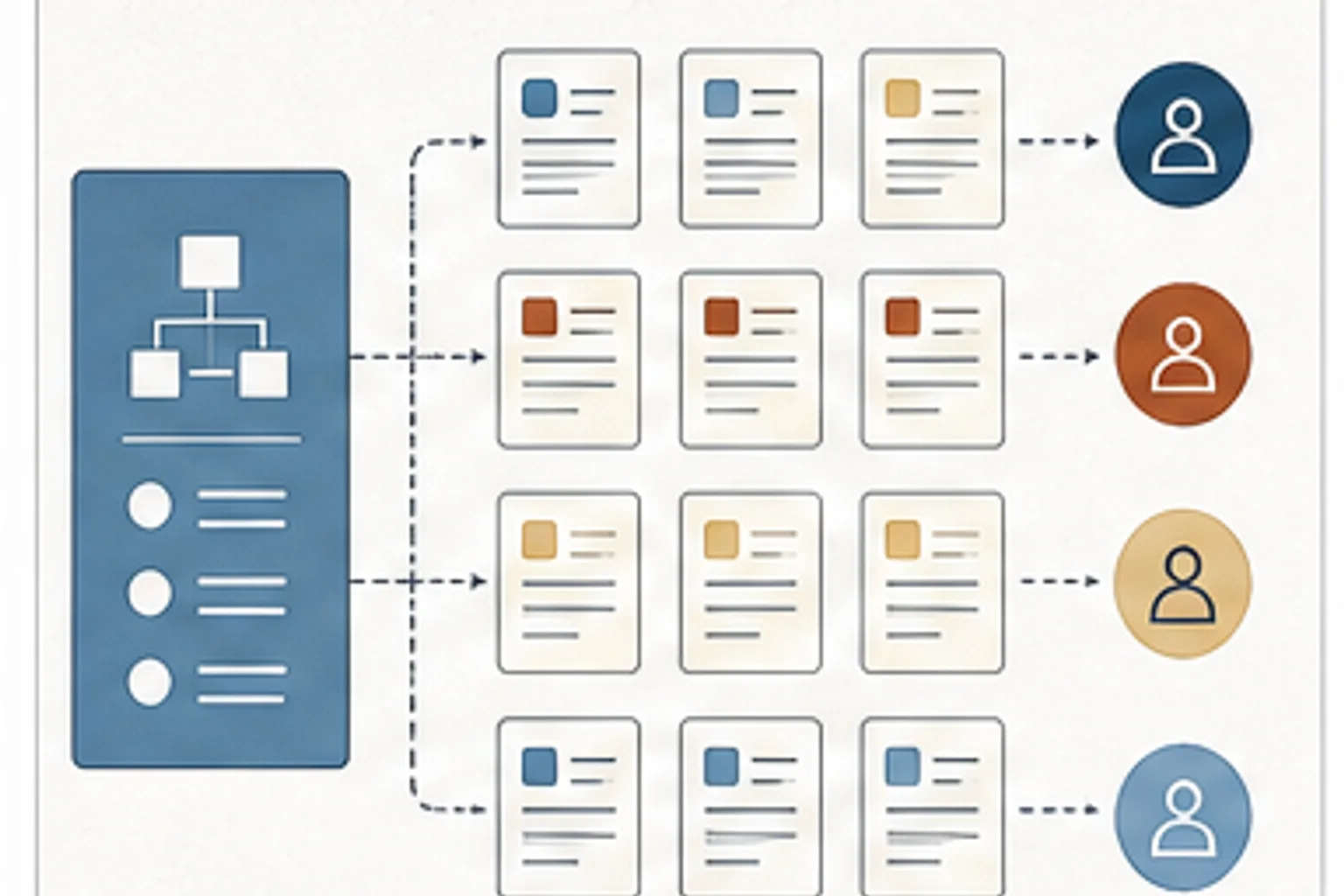
The shift was from full workflow courses to customer-training microlearning tied to role-based tasks and the work people needed to perform.
Use Claude and Cowork for planning, drafting, review preparation, reusable project context, and daily L&D production workflows.
Use Gemini, NotebookLM, Canvas, Deep Research, Gems, and Workspace workflows for practical learning team work.
Use Obsidian as persistent context and living documentation for Claude Code projects.
Use the carousel as a quick reference for better AI-assisted visual production briefs and iteration habits.
Use this before accepting a course, workshop, job aid, or content request so the team can name the task, audience, workflow, and evidence standard.
Separate fact issues, workflow issues, approval calls, risk concerns, and preferences before SME review becomes one overloaded step.
Make content ownership, review dates, audience, source material, and retirement triggers visible before the library quietly decays.
Use these when you want the before-and-after move before you open the template.
Turn a broad training ask into a clearer request with audience, behavior, workflow, evidence, and constraints.
Separate fact issues, workflow issues, priority calls, compliance concerns, and preference edits before review gets noisy.
Turn a large course outline into smaller task-based resources that follow real work, clarify decision points, and make maintenance easier when the process changes.
Give an AI tool the role, source material, task, constraints, review standard, and output format it needs to help safely.
Turn a messy content list into an inventory that shows owner, status, audience, lifecycle, and next maintenance action.
Turn an old content list into a quarantine decision table that shows risk, owner, decision needed, review date, and final status.
Use this when we need to check the idea against source material or platform documentation.
Use this when we need to check the idea against source material or platform documentation.
Use this when we need to check the idea against source material or platform documentation.