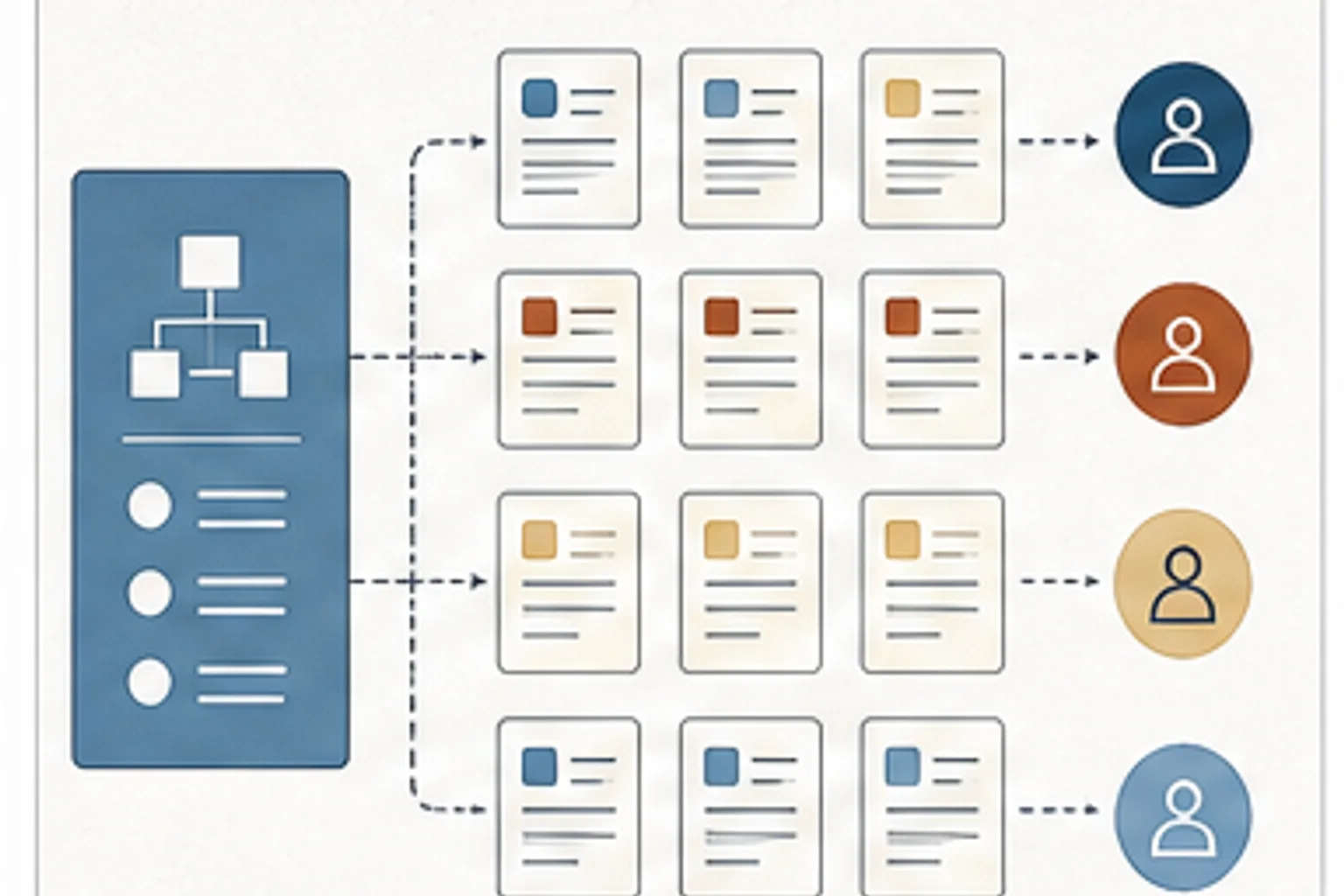
Use this note to rethink content scale around task-based resources, role paths, maintainability, and point-of-need support instead of course volume alone.
The 637-module figure refers to a task-based customer-training library built from a smaller workflow-course library. It is included to show the scale and maintenance problem behind the design choice.
This shows up when learners keep asking where something is even though the training exists. The library is full, but the help is packaged around the way we built it instead of the moment someone needs it.
The old library had about 50 courses that took 15 to 20 minutes each and covered entire workflows. Learners often needed help with a specific task, not the whole workflow.
Break the library into task-based modules. Tie modules to role-based paths and the tasks people need to perform. That makes the system easier to maintain and easier to use at the point of need.
Look for courses that bundle unrelated tasks, role paths that send everyone through the same content, and content no one knows how to retire.
- Courses are long because they bundle too many unrelated tasks
- Learners need one task, but the library gives them a whole workflow
- Content maintenance is hard because no one can tell what each asset is for
- What task does this asset help someone perform?
- Which role needs this task, and at what moment?
- Can the team update this module without rebuilding the entire path?
- Courses that serve several roles but do not tell each role what matters
- Modules that cannot be updated without touching a whole path
- Content titles that describe a system area instead of the task someone is trying to perform
- Course as container One course contains many tasks, many audiences, or many decisions, so learners cannot find the exact help they need.
- Review as rescue SMEs are asked to fix scope, facts, examples, workflow logic, and partner-team concerns late in the process.
- No content lifecycle Assets stay live without owner, review date, retirement rule, or signal that the content is still accurate.
- Break one workflow course into the tasks inside it
- Attach each module to a role, task, and point-of-need scenario
- Create retirement rules so old content does not stay live by default
Pick one long course and write every task inside it on its own line. Then mark each task as learn, apply, solve, or change. That gives us the first version of a cleaner content map.
- No technology Print or list one course outline and mark every task inside it. Each task becomes a candidate job aid, micro-module, practice item, or reference.
- Microsoft 365 or Google Workspace Use Excel, Sheets, Lists, or a shared tracker for asset owner, task, audience, format, status, review date, source SME, and retirement trigger.
- AI-assisted Ask AI to turn a long course outline into task-based chunks, draft SME review questions, and flag missing practice, accessibility, and maintenance details.